DHL Express to IRS: Pick 'Documents' Shipment Type + Reference Field

Key Takeaways
- On DHL's "What are you shipping?" screen, choose Documents — your pro forma 1120 + Form 5472 are legal and financial paperwork, not merchandise
- Selecting Package treats the forms as commercial goods, which can trigger a customs value declaration, a commercial invoice, and extra delay
- The "items with monetary value aren't documents" wording targets negotiable items like cash or gift cards; signed tax forms have no resale value and stay classified as Documents
- Describe the contents simply as "completed tax forms" — there's no need to itemize form numbers, schedules, or page counts
- The first reference prints on the label and waybill (keep it generic); the additional reference stays internal — never put your EIN, tax ID, or passport number in either
The Question DHL Asks After You Create the Shipment
Once you've created your DHL Express shipment and identified the Ogden PIN Unit as the receiver, the portal moves you into the shipment-details (specifications) screen. The first thing it wants to know is blunt: "What are you shipping?" DHL gives you two top-level choices — Documents or Package — and which one you pick changes how the shipment is processed, what customs paperwork it generates, and how quickly it clears borders on the way to Utah.
For a foreign-owned U.S. disregarded entity mailing its pro forma Form 1120 and Form 5472, the answer is Documents. This is not a close call once you know what each category means, but the screen doesn't explain it, and a wrong pick here can attach commercial-goods handling to an envelope that holds nothing but signed paper. This walkthrough covers the correct selection, how to describe the contents, and how to use the two reference fields without leaking anything you'll regret.
Documents vs. Package: Why a Tax-Form Envelope Is 'Documents'
DHL's split is about the nature of what's inside, not how important it feels to you. Package is for goods: merchandise and commodities being moved for a personal or commercial purpose — products, samples, retail items, anything with intrinsic resale value. Documents is for legal, financial, and business paperwork. Your filing — a pro forma 1120 cover sheet sitting on top of Form 5472 — is exactly that: printed, signed business paperwork with no resale or negotiable value.
The practical difference is customs. A Package shipment is treated as goods that may need a value declaration and a commercial invoice, which means more fields to fill, potential duty or value questions, and extra handling time at the border. A Documents shipment is handled as low-or-no-commercial-value paperwork and clears far more simply. You are not selling anything to the IRS; you are delivering a return. Choosing Documents keeps the shipment lean and fast, which is the whole point when a filing deadline is involved.
Don't let the physical packaging confuse the call. Slipping the forms into a folder, a stiff envelope, or a flat box doesn't turn them into merchandise. The classification follows the contents, and the contents are documents.
The 'Monetary Value' Wording — and Why It Doesn't Change Your Answer
There's one line on this screen that honestly trips people up, and the video flags it rather than glossing over it: DHL notes that items with monetary value are not considered a document shipment. Read literally, that sounds like it might exclude your tax forms — after all, a completed Form 5472 matters a great deal to you, so doesn't it have value?
The distinction is between sentimental or filing importance and intrinsic, transferable value. The rule targets things whose worth is built into the item itself and can be cashed or traded — currency, gift cards, negotiable instruments, bearer documents. A signed Form 5472 fits none of that. It can't be sold, redeemed, or transferred to anyone; lose it and you simply reprint and re-sign. So while the forms are valuable to your compliance, they carry zero monetary value in the sense DHL means. The correct classification stays Documents.
If you ever feel pressured to reclassify as Package because of that wording, resist it. Picking Package would invite a customs value declaration on paperwork that has none — adding friction and delay for no benefit.
Describing the Contents Without Overcomplicating It
After you select Documents, DHL asks you to describe what's actually in the shipment. Depending on your account and country, you may pick from a list of common descriptions or type a short one of your own. The video's guidance is to keep it plain and honest: describe it as your completed forms.
A description like "completed tax forms" or "completed business forms" is accurate, generic, and exactly what a customs or courier handler needs to understand at a glance that this is non-commercial paperwork. You are not preparing a line-item commercial invoice, so there's no need to enumerate form numbers, schedule names, or page counts. The transcript's own phrasing is to point at the finished, completed form rather than building out a detailed manifest — one clean description does the job.
The instinct to be exhaustive here usually backfires: long, technical descriptions can read like commercial cargo and invite questions. "Completed tax forms" signals "routine paperwork, nothing to declare," which is precisely the impression you want as the package crosses the border toward Ogden.
The Two Reference Fields — and the One Rule You Can't Break
DHL gives you two reference slots, and they behave very differently. The first reference prints on your shipping label and waybill — it rides on the outside of the package through every facility and checkpoint. The additional reference is stored in DHL's system only and does not appear on the shipping documents; it's internal, for your own tracking. The video states this split directly, and it drives everything that follows.
Because the first reference is visible to anyone who handles the box, treat it like text you're printing in public. The suggestion from the video is to use it as a short, plain note of what's inside — something like "completed tax forms" or a neutral internal code. Keep it simple; it's a convenience label, not a place to encode your filing history. The additional reference is the safer spot for anything you want recorded but not displayed — an internal matter number or a year tag for your records.
Here is the rule you must not break: never put sensitive identifiers in any reference field, and absolutely not the first one. The video is emphatic — no passport number, no personal tax ID, and not your EIN. Your EIN and tax IDs are the exact identifiers used to file and identify your business with the IRS; printing them on the exterior of a box that crosses borders and changes hands repeatedly hands them to strangers for no reason. A first reference reading "completed tax forms" delivers the same package with zero exposure. Getting this screen right keeps your documents shipment clean and fast — which, under IRC §7502's timely-mailing rules, is what protects the filing date stamped on your DHL waybill. For the full filing picture, see /guides/mail-form-5472-to-irs.
Frequently Asked Questions
Should I select 'Documents' or 'Package' for my Form 5472 shipment?
Documents. DHL's Package option is for merchandise and commodities moved for a personal or commercial purpose, while Documents covers legal, financial, and business paperwork. Your pro forma Form 1120 and Form 5472 are exactly the latter, so Documents is the correct and faster choice.
DHL says items with monetary value aren't documents — don't my tax forms have value?
Not in the sense DHL means. That rule is aimed at items with intrinsic, transferable value such as cash, gift cards, or negotiable instruments. A signed Form 5472 can't be sold or redeemed and is simply reprinted if lost, so it carries no monetary value and stays classified as a document shipment.
What's the difference between the first reference and the additional reference?
The first reference is printed on your shipping label and waybill, so it travels on the outside of the package. The additional reference is stored only in DHL's system and never appears on shipping documents. Use the first for a short, safe content note and the additional for internal tracking.
Why does the shipment type matter for filing on time?
A Documents shipment clears customs as routine paperwork, while a Package shipment can stall for a value declaration or invoice. Since IRC §7502's timely-mailing rule treats the date you hand the package to a qualifying private delivery service as the filing date, you want a clean, fast Documents shipment that moves without avoidable hold-ups on the way to the Ogden PIN Unit.
IRS Form 5472 Instructions
Official IRS source on irs.gov
Listen on Spotify
Money & Tax Talk with Rippa — 5/5 rating
Never miss an IRS deadline
Get free email reminders for Form 5472, state annual reports, quarterly estimated tax, and OBBBA rule changes — built for foreign-owned LLC owners. No spam. Unsubscribe anytime.
We respect your privacy. No spam, ever.
Need to file your foreign-owned LLC return?
Skip the CPA bill. Our guided wizard builds your IRS-ready filing package, step by step.
Includes its walkthrough video pack
Start filing →
Ask the AI tools, free
Tax Return Drafter, Catch-Up Planner, Form Reviewer, IRS Notice Decoder — purpose-built AI tools, no signup needed.
Free tier · BYOK Anthropic/OpenAI for power use
Browse tools →
Starting your foreign-owned LLC?
Vetted partners we use ourselves: doola & Firstbase for formation, Mercury for banking, Alohi for IRS faxing.
No-fluff recommendations, no Northwest
See partners →
More on Form 5472 & Foreign-Owned LLCs
 3:00
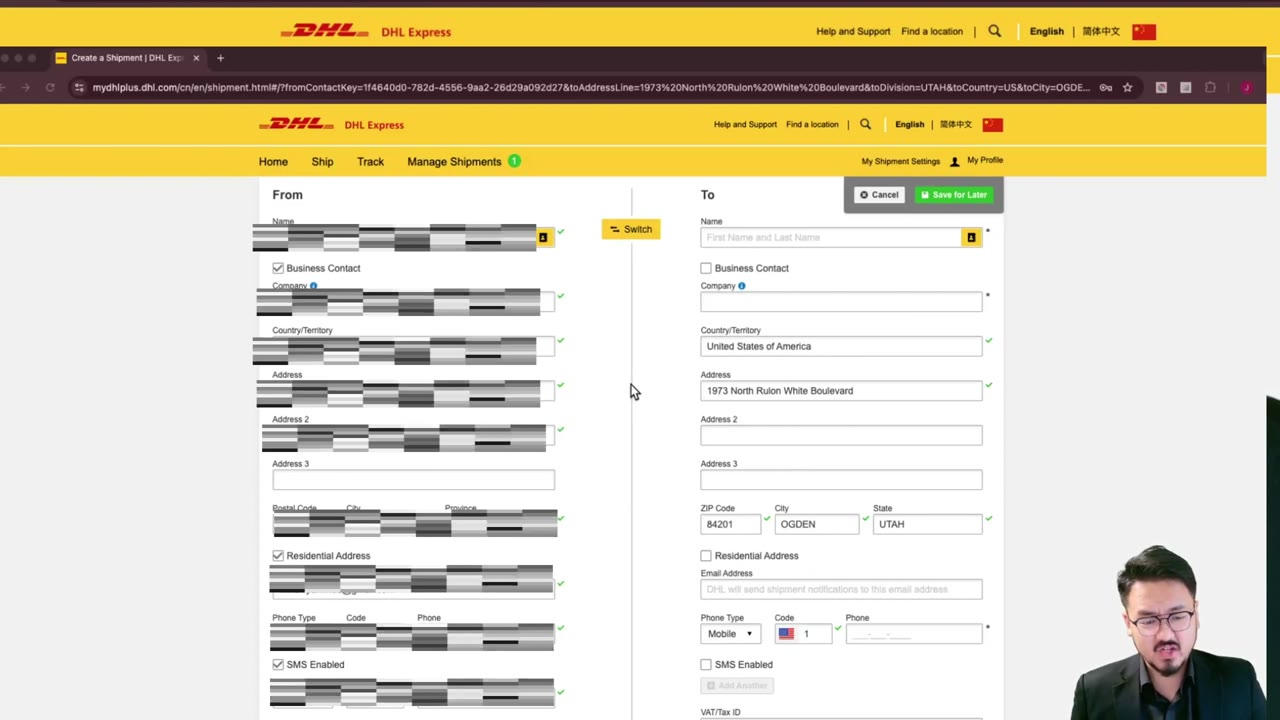
3:00DHL Express to IRS: How to Fill Sender Info When Outside the U.S.
 2:30
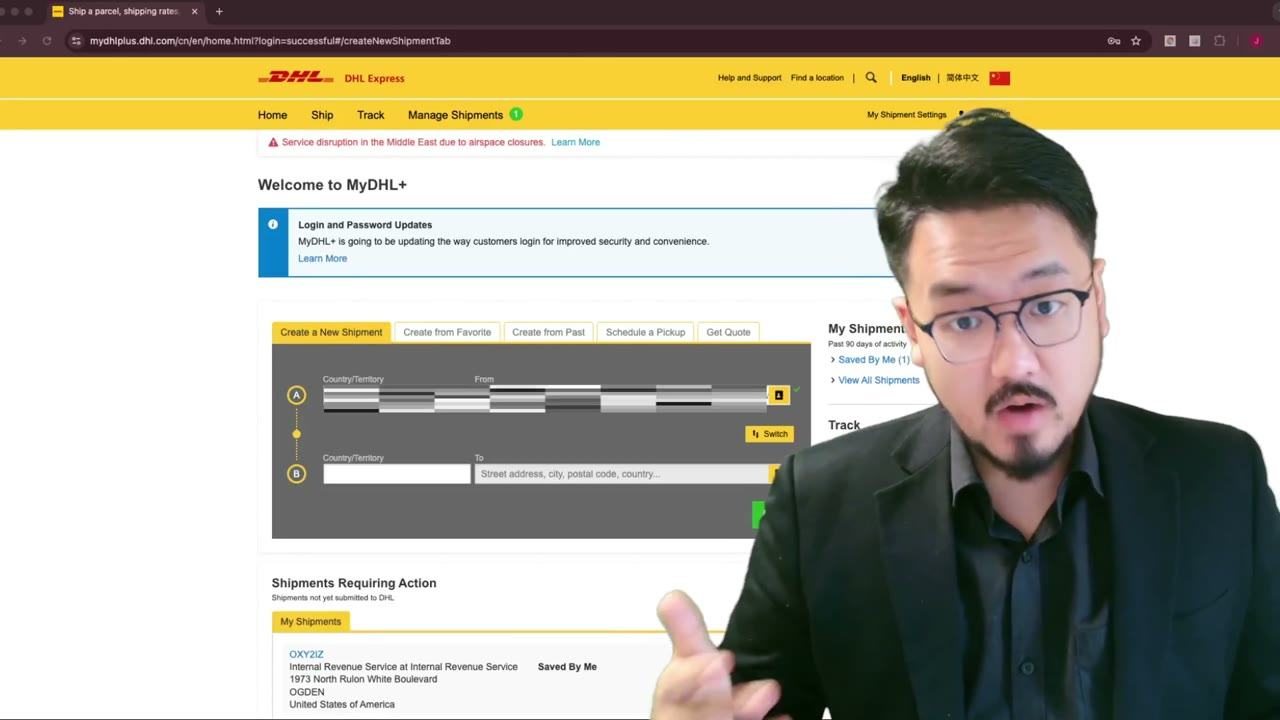
2:30DHL Express to IRS: How to Fill Receiver Info (Step-by-Step)
 4:00
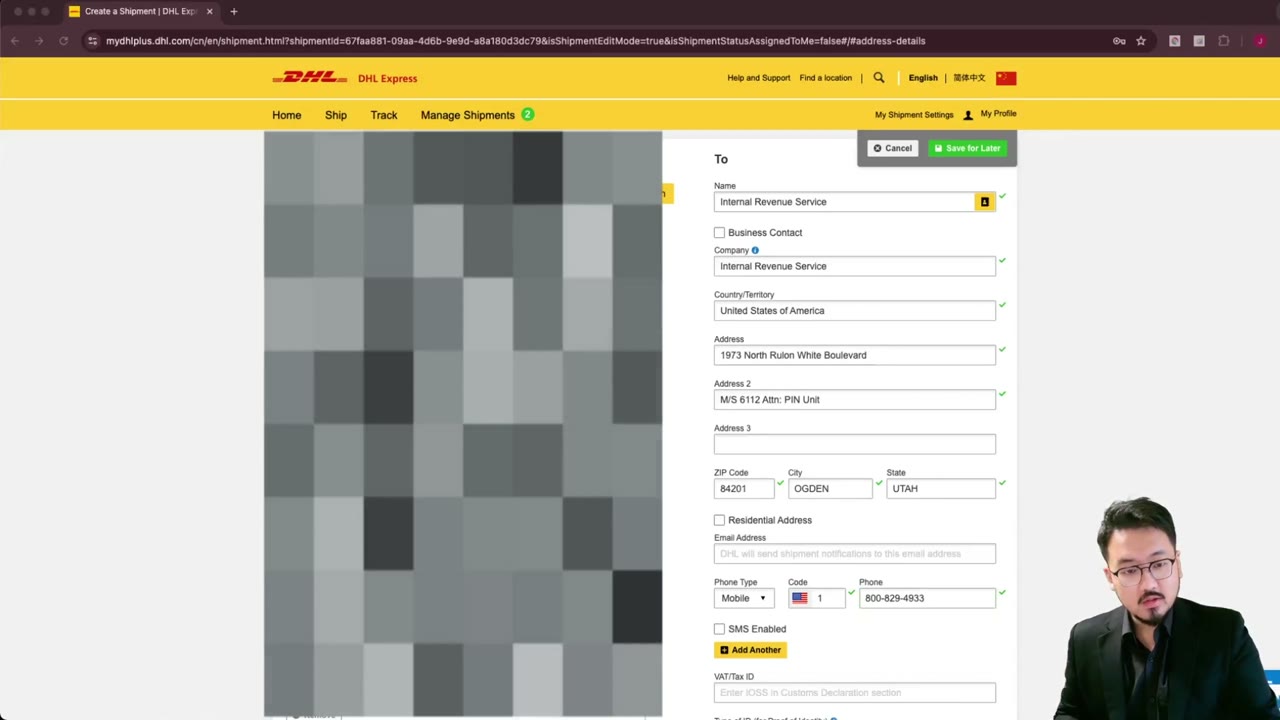
4:00DHL Express: Enter IRS Ogden Address Line-by-Line (Detail)
 1:45
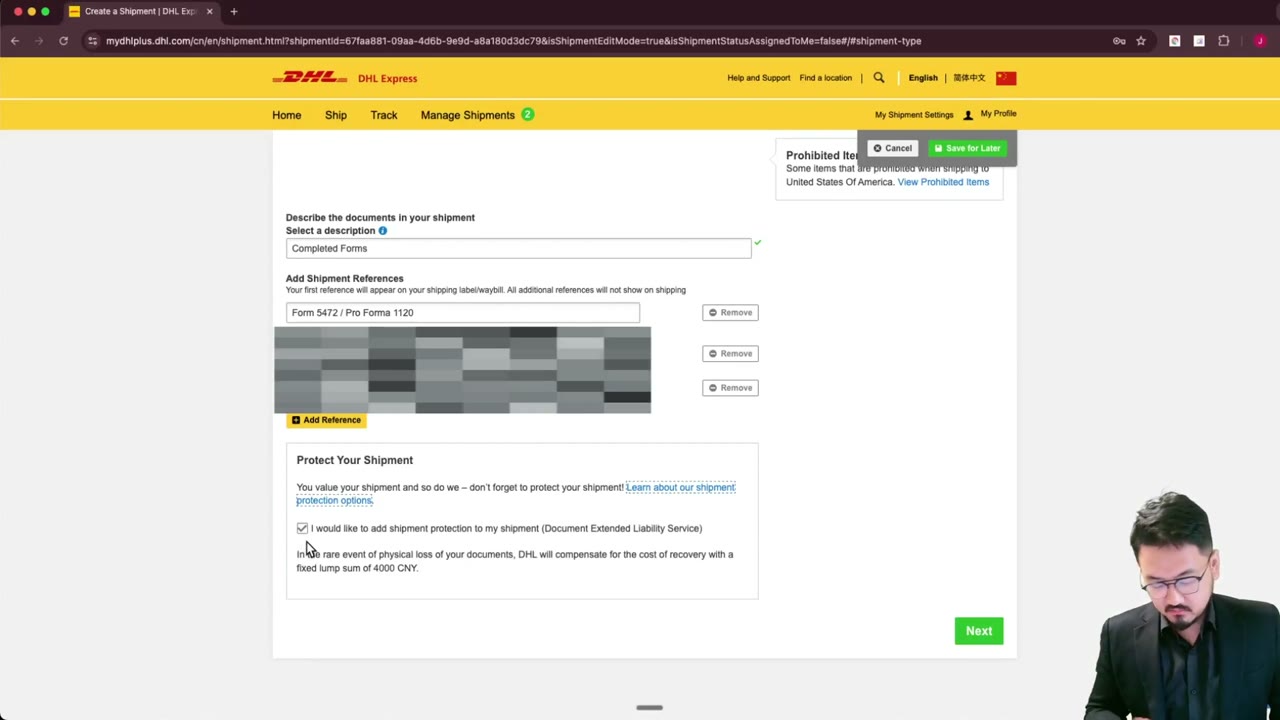
1:45DHL Express Shipment Protection for IRS Filings — Worth It?
 2:00
2:00DHL Express Package Dimensions & Weight for Form 1120 + 5472 Envelope
 1:45
1:45