Form W-8BEN vs. W-8BEN-E: Which to Pick and How Google's Onboarding Helps

Key Takeaways
- The W-8BEN framework applies across all Google monetization products (YouTube, AdSense, AdMob)
- W-8BEN is for individuals; W-8BEN-E is for entities (LLC, corporation, partnership) — pick based on account ownership
- Google's in-product questionnaire auto-fills the correct form based on your answers — safer than filling the PDF directly
- Toward the end, Google offers treaty benefits — almost always claim them to reduce withholding from 30% to 0–15%
- Use Foreign TIN (your home country's tax number) for the identifier field, not SSN — SSN is U.S.-only and triggers rejection
From U.S.-Source Income to Withholding Tax
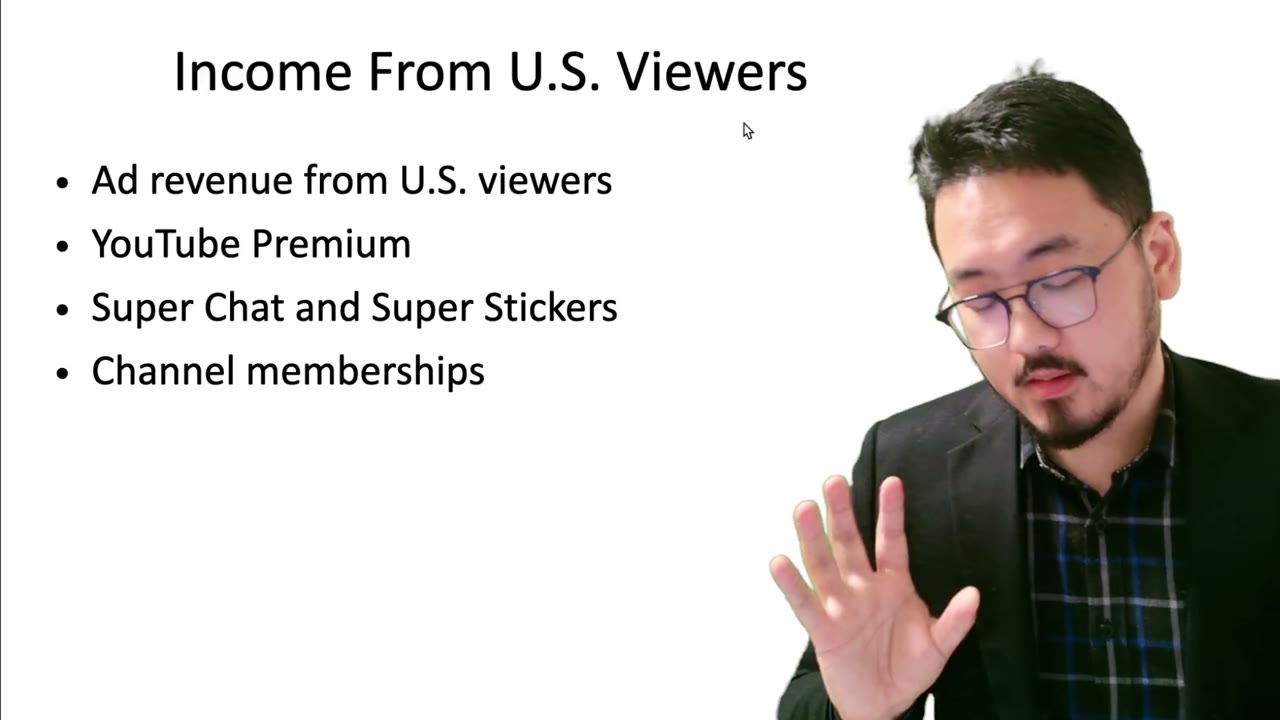
The first concept (covered in the prior video) was that revenue from U.S. viewers is U.S.-source income. The second concept layered on top is withholding tax: when Google doesn't know your tax status, they don't just leave the income alone — they withhold a higher percentage of it, sometimes treating all of it as U.S.-source. This is the punitive default that exists to force creators to submit paperwork.
Why This Matters Across AdSense, AdMob, and Beyond
The same withholding framework applies whether you're earning through YouTube partnership, AdSense on a website, AdMob in a mobile app, or any other Google monetization product. They all share the same W-8BEN flow. Even creators who don't think of themselves as "using AdSense" usually are — the YouTube Partner Program is built on AdSense infrastructure under the hood.
So the rule "submit a W-8BEN to Google" applies to almost any non-U.S. person monetizing through Google's ad network, regardless of which product surface you interact with.
Which Form: W-8BEN vs. W-8BEN-E
Two forms cover non-U.S. persons:
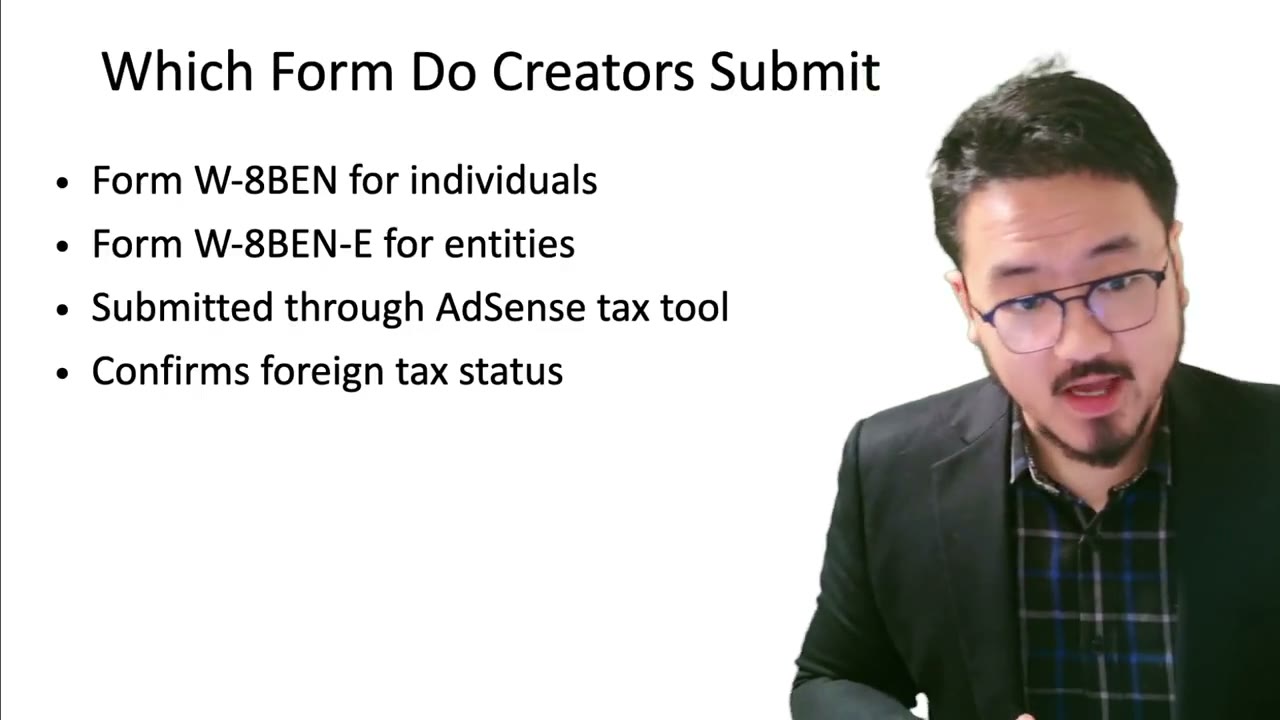
- W-8BEN (individuals): if you're a person — a creator earning in your own name, a website owner who set up AdSense as an individual — you submit Form W-8BEN.
- W-8BEN-E (entities): if your account is owned by a corporation, LLC, partnership, or other legal entity, you submit Form W-8BEN-E. The "E" stands for entity.
Picking the wrong one is the most common early mistake. If your AdSense account is registered under a personal name, it's W-8BEN. If you formed an LLC and your AdSense account is registered under the LLC, it's W-8BEN-E.
Google's Onboarding Walks You Through It
On bigger platforms like Google AdSense, you don't fill the W-8BEN by hand. The platform shows you a questionnaire: are you a U.S. citizen, do you have a green card, what's your country of residence, what type of account is this (individual vs. entity), and so on. Based on your answers, the platform auto-fills the right form (W-8BEN or W-8BEN-E) and presents it for review and signature.
This is much safer than filling the PDF directly — Google's questionnaire is calibrated to their internal classification rules, so an auto-filled form is much less likely to be rejected for a format issue.
Where to Find the Tax Section in AdSense
In Google AdSense, the tax form lives under Payments → Manage Settings → United States Tax Information. There's an onboarding step labeled "verify your tax identity." Click it and Google walks you through the questionnaire. The interface evolves over time, but the path always starts at Payments — that's where Google asks for financial and tax information, since they can't pay you without it.
Treaty Benefits Get Offered Inside the Questionnaire
Toward the end of the questionnaire, Google asks something like: "Your country has a tax treaty with the United States. Do you want to claim treaty benefits?" Almost everyone should say yes — claiming the treaty benefit reduces your withholding rate from 30% to whatever the treaty specifies for royalty income (often 0%, 10%, or 15%).
There are edge cases where you wouldn't claim — for example, if you have other U.S. tax filings that already cover the income differently, or if you're not sure your country's treaty applies to your type of revenue. But the default answer for a typical foreign creator is yes.
Foreign TIN vs. SSN vs. ITIN
The form asks for a tax identification number. The dropdown gives three options: Foreign TIN (your home country's tax number), SSN (Social Security Number, U.S. only), or ITIN (Individual Taxpayer Identification Number, for foreigners who file U.S. tax returns).
For most foreign creators, the answer is Foreign TIN. If you ever filed a U.S. tax return as a non-resident and got an ITIN, you can use that too. SSN is only for U.S. persons — if you accidentally enter an SSN, Google's system may reject the form because it doesn't match your stated foreign status. Pay attention to which field you use; the U.S. vs. foreign distinction drives the entire withholding calculation.
Frequently Asked Questions
What if I started as an individual on AdSense and later formed an LLC?
You'll need to migrate the account to the LLC ownership and re-submit Form W-8BEN-E. Until you do, the IRS treats the income as personally yours. Google has an account-transfer process for this.
What happens if I pick the wrong form (e.g., W-8BEN-E when I'm an individual)?
Google's system rejects it during onboarding because the answers in the questionnaire don't match the form. Use the questionnaire and don't try to bypass it.
Do I need to refill the W-8BEN periodically?
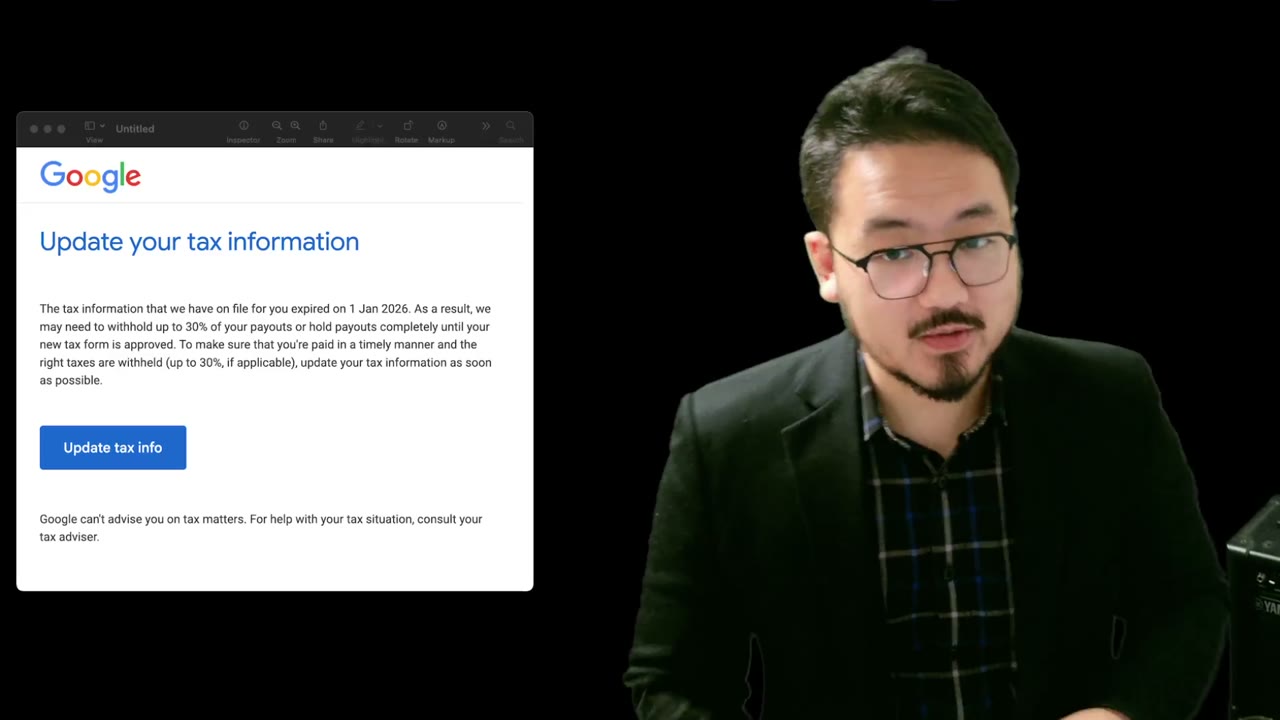
Yes. W-8BEN expires after 3 calendar years (the year of signing plus 3). Google will email you a reminder before expiration. Refill it within the grace period to avoid reverting to the 30% default rate.
Never miss an IRS deadline
Get free email reminders for Form 5472, state annual reports, quarterly estimated tax, and OBBBA rule changes — built for foreign-owned LLC owners. No spam. Unsubscribe anytime.
We respect your privacy. No spam, ever.
Need to file your foreign-owned LLC return?
Skip the CPA bill. Our guided wizard builds your IRS-ready filing package, step by step.
Includes its walkthrough video pack
Start filing →
Ask the AI tools, free
Tax Return Drafter, Catch-Up Planner, Form Reviewer, IRS Notice Decoder — purpose-built AI tools, no signup needed.
Free tier · BYOK Anthropic/OpenAI for power use
Browse tools →
Starting your foreign-owned LLC?
Vetted partners we use ourselves: doola & Firstbase for formation, Mercury for banking, Alohi for IRS faxing.
No-fluff recommendations, no Northwest
See partners →
More on Foreign Income Reporting
 1:55
1:55Form W-8BEN Treaty Rates: 0% to 30% Withholding by Country
 3:27
3:27Form W-8BEN for YouTube and AdSense: Why Google Asks for Tax Information
 1:42
1:42Form W-8BEN: What Counts as US-Source Income for YouTube and AdSense Creators
Beneficial Owner and Disregarded Entity Rules on W-8 Forms
Beneficial Owner and Disregarded Entity Rules on W-8 Forms (2025-2026)
 4:15
4:15Foreign Income Overview: U.S. Tax Rules for International Taxpayers
 3:22
3:22