Faxing Form 5472: Sending the Combined PDF via a Web Fax Service (fax.plus)

Key Takeaways
- fax.plus is a reliable web fax service; even the free/basic plan handles an annual IRS filing several times over
- The send-fax flow is essentially email: attach the combined PDF, enter the IRS fax number, click send
- Always copy-paste the IRS fax number from the official Form 5472 instructions page — never type from memory
- Add the special header to the top of Form 5472 before exporting the PDF
- Verify the source PDF and fax send setting are both at 300 DPI or higher so the IRS examiner can read it cleanly
Why a Web Fax Service Is the Right Tool Here
Once you have a single combined PDF (Solution 1 or 2 from the prior videos), the easiest way to deliver it to the IRS is a web-based fax service. You upload the PDF, type in the IRS fax number, and click send — no physical fax machine, no analog phone line, no paper. The whole thing is electronic from your computer to the IRS.
It's worth being honest about what this is and isn't: it's effectively an e-file, because everything you do happens electronically. But it lands at the IRS as a fax, which means it counts as a paper submission as far as the IRS's filing rules are concerned. Foreign-owned LLC owners can't truly e-file the pro forma 1120 + Form 5472, so this hybrid (electronic delivery of a paper-equivalent fax) is the closest thing available.
Picking a Plan on fax.plus
fax.plus (by Alohi) is a reliable option. Their plans are inexpensive, and for most foreign LLC owners the free or basic plan is more than enough. The basic plan typically includes around 200 pages per month — a pro forma 1120 + Form 5472 package is usually only 5–6 pages, so even one month's allotment covers your annual filing many times over.
The enterprise tiers exist for businesses faxing constantly (think medical offices). You don't need them for an annual IRS filing. Pick the smallest paid plan if you want a dedicated fax number for receiving (handy if the IRS ever faxes you back), or use the free plan if you only need outbound.
From Dashboard to "Send Fax"
After signing up, you land on a dashboard that looks like an email inbox. The left side has folders (inbox for received faxes, sent for outbound), and the top has a Send Fax button. Click Send Fax. A dialog opens asking you to attach a file — point it at your final combined PDF.
The attachment uploads in a few seconds for a typical 5472 package. Once it's attached, you'll see a preview and a field for the recipient's fax number. That's where the next step matters.
Getting the IRS Fax Number Right (Copy-Paste It)
Before you type a fax number from memory, go to IRS.gov and look up the current Form 5472 fax number. It's on the official Form 5472 instructions page. Always copy-paste it directly into the fax tool — don't retype digit by digit. A single transposed digit and your filing ends up at someone else's office instead of the IRS processing center.
While you're on the IRS page, double-check the special heading you need to add to the top of the Form 5472 (typically "Foreign-owned U.S. DE" or similar instruction-specific language). Make sure that's already in your PDF before you send.
Verifying 300 DPI Before Sending
The IRS wants faxes at 300 DPI or higher. If you used image export (Solution 1), check the resolution of your PDF. The math is simple: take the pixel width of a page divided by the page width in inches (A4 is 8.27" wide). If the result is ≥ 300, you're good. For a typical Acrobat "Maximum quality" export this is easy to clear.
If you used flattening (Solution 2), the source PDF is vector-based and effectively infinite-resolution — the fax service rasterizes it on send at whatever DPI you request. fax.plus offers a DPI selector in advanced settings; pick 300 or higher. The combination of a high-DPI source and a high-DPI fax setting is what keeps the IRS examiner from squinting.
Hit Send
With the file attached and the IRS number pasted in (and double-checked), click Send. fax.plus queues the transmission. Most outbound IRS faxes complete in 1–3 minutes for a 5-page package. The dashboard shows a status: queued, sending, then success or failure.
If it fails on first try, fax.plus retries automatically a few times before giving up. Most failures are transient (busy line at the IRS), and the retry succeeds. If you see a permanent failure after retries, check the fax number — that's the most common cause.
Frequently Asked Questions
Does the IRS care which fax service I use?
No. The IRS receives the fax at its end the same way regardless of who sent it. Pick any reliable service with good delivery confirmation. fax.plus is well-known and works; Alohi is the parent company.
Is faxing really "e-filing"?
Not in the IRS's official sense. Faxing is treated as a paper submission. But everything you do is electronic — no printing, no paper handling on your end — so it feels like e-filing. Foreign-owned LLCs can't truly e-file the 1120 + 5472, so this is the most paperless path available.
What if my PDF is too large to upload?
fax.plus accepts files up to about 20 MB. If your image-exported PDF is bigger than that, re-export at slightly lower quality (still ≥ 300 DPI), or split into two faxes — though the latter is risky because the IRS expects one filing package per fax. Better to compress.
IRS Form 5472 Instructions
Official IRS source on irs.gov
Listen on Spotify
Money & Tax Talk with Rippa — 5/5 rating
Never miss an IRS deadline
Get free email reminders for Form 5472, state annual reports, quarterly estimated tax, and OBBBA rule changes — built for foreign-owned LLC owners. No spam. Unsubscribe anytime.
We respect your privacy. No spam, ever.
Need to file your foreign-owned LLC return?
Skip the CPA bill. Our guided wizard builds your IRS-ready filing package, step by step.
Includes its walkthrough video pack
Start filing →
Ask the AI tools, free
Tax Return Drafter, Catch-Up Planner, Form Reviewer, IRS Notice Decoder — purpose-built AI tools, no signup needed.
Free tier · BYOK Anthropic/OpenAI for power use
Browse tools →
Starting your foreign-owned LLC?
Vetted partners we use ourselves: doola & Firstbase for formation, Mercury for banking, Alohi for IRS faxing.
No-fluff recommendations, no Northwest
See partners →
More on Form 5472 & Foreign-Owned LLCs
 3:12
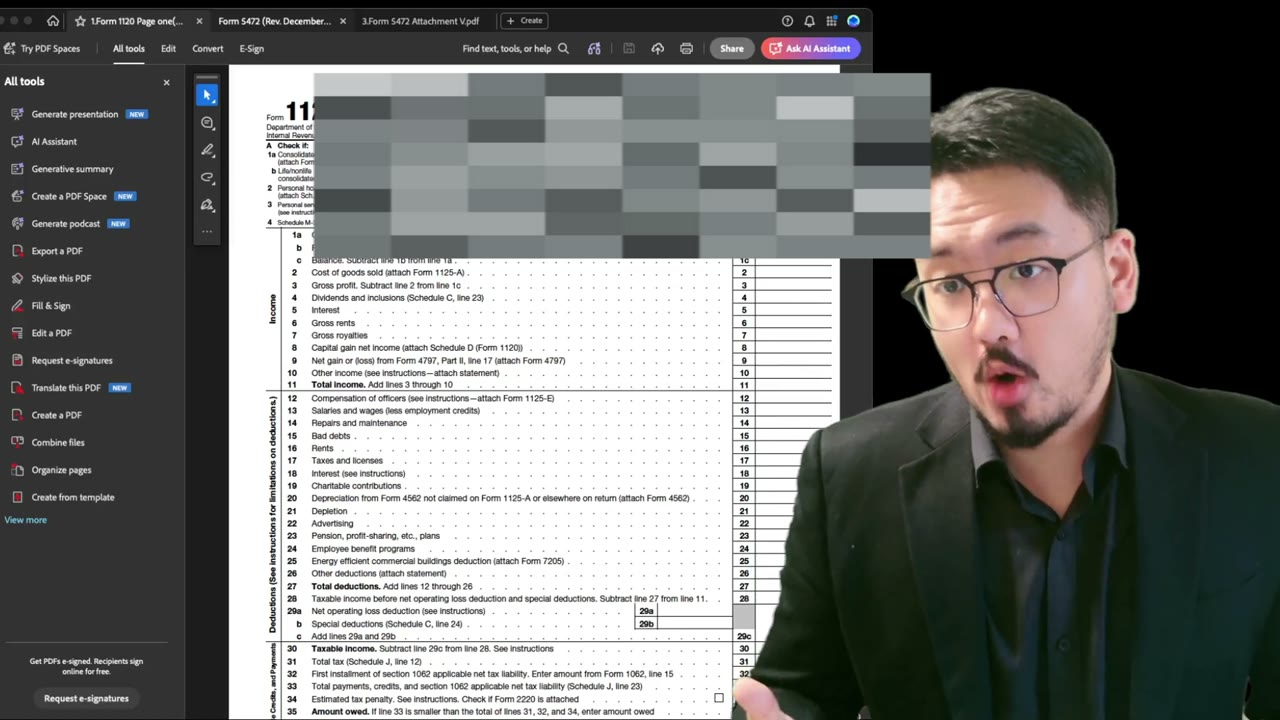
3:12Faxing Form 5472: XFA Fix Solution 1 — Export Pages as Images and Rebuild the PDF
Foreign-Owned LLC IRS Mail Submission — 5-Point Pre-Mail Checklist
Foreign-Owned LLC IRS Mail Checklist: 5 Steps Before You Send Form 5472
 5:30
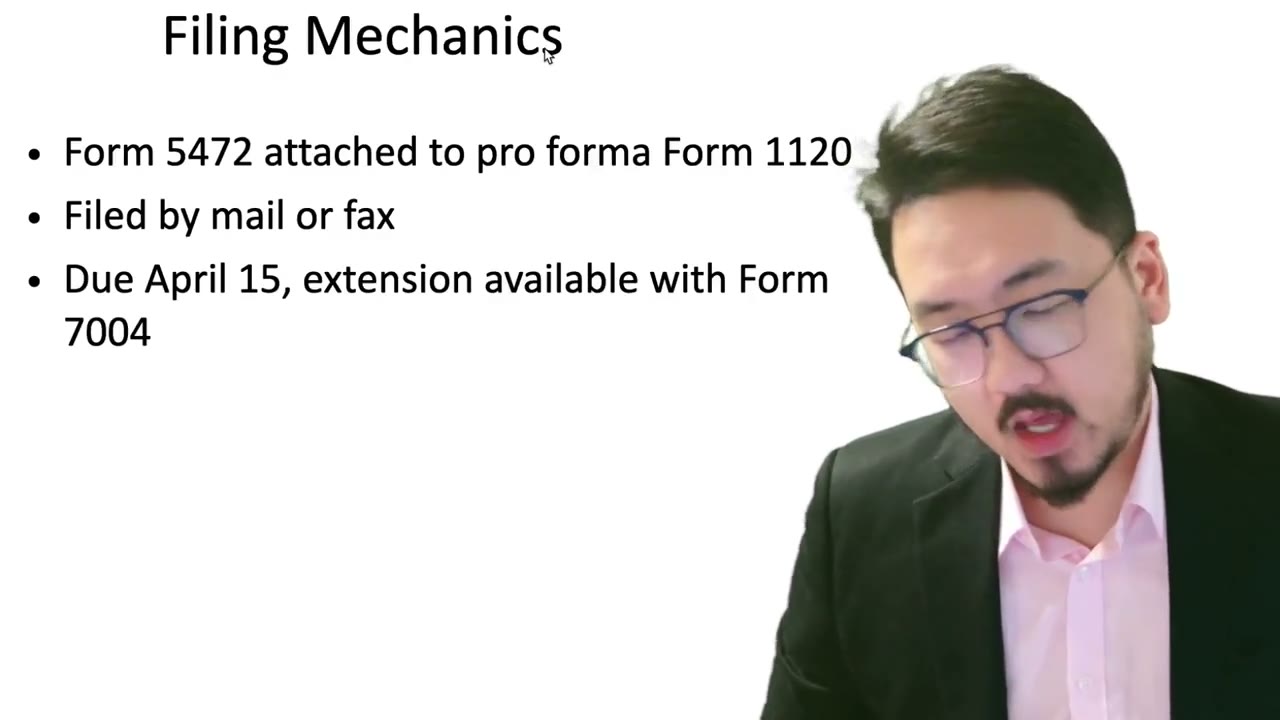
5:30Pro Forma 1120 + Form 5472: Mail vs Fax (and Why the Mailing Address Is Special)
 2:05
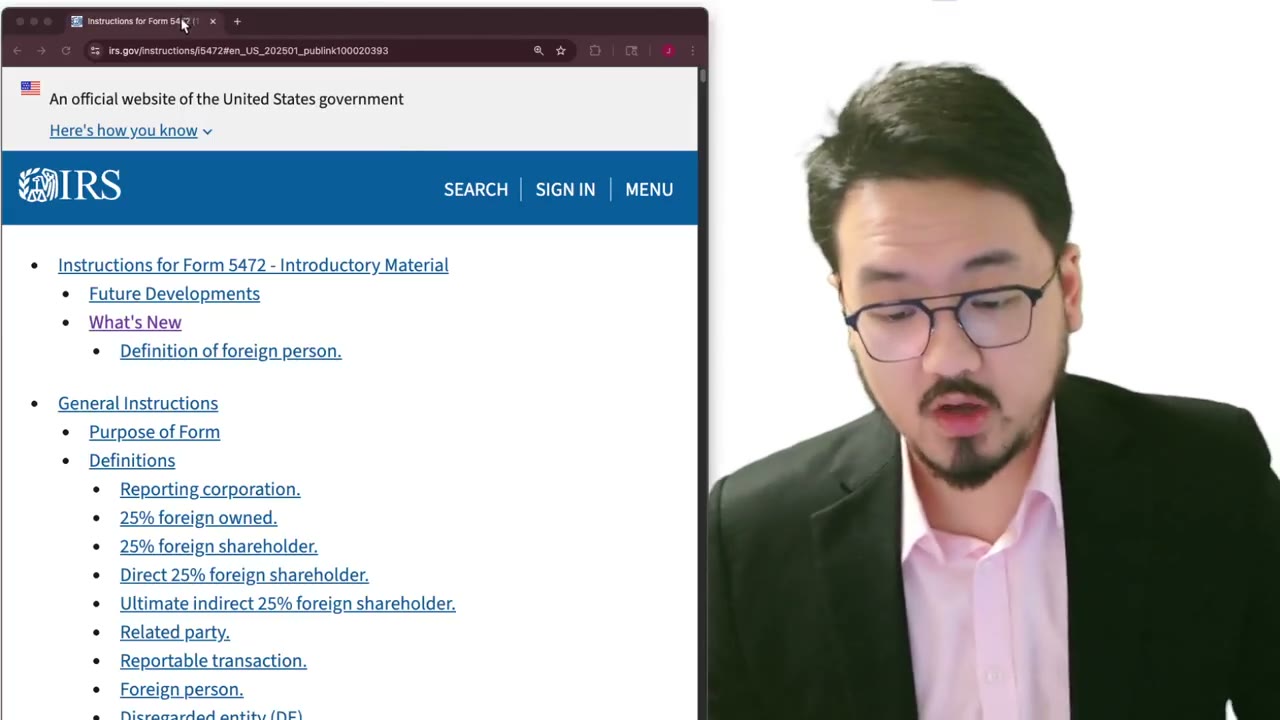
2:05Pro Forma 1120 + Form 5472: Where to Download the Latest IRS Forms (Don't Trust AI)
 2:00
2:00IRS Ogden PIN Unit Mailing Address for Form 5472 + Pro Forma 1120
 5:25
5:25