Pro Forma 1120 + Form 5472: Where to Download the Latest IRS Forms (Don't Trust AI)

Key Takeaways
- Download Form 1120 and Form 5472 fresh from irs.gov/forms-instructions every year
- Get both the form PDF and the separate Instructions PDF — the instructions contain critical rules not on the form
- Open PDFs in an editor with form-fill support (Adobe, PDF Expert, Foxit) — not a read-only viewer
- Save downloads locally before filling so an accidental browser close doesn't lose your work
- Use AI to understand the form, use IRS.gov to download the form — the two are complementary, not interchangeable
Go to IRS.gov Yourself — Don't Trust Cached Versions
Every year, you download the current Form 1120 and Form 5472 directly from irs.gov/forms-instructions. Not from your CPA's archive. Not from a tax software vendor's bundle. Not from an AI tool that might be quoting last year's text. The IRS.gov forms page is the only authoritative source for the current revision.
This matters because IRS forms get revised — fields get renumbered, instructions clarify, layouts change. An outdated form may be processable, but it slows things down and occasionally gets rejected if the changes were substantive.
Searching for Form 1120
On irs.gov/forms-instructions, search "1120" and you'll get dozens of related results — Form 1120 (U.S. Corporation Income Tax Return), Form 1120-F (foreign corporations), Form 1120-S (S-corporations), and many more variants. The search is fuzzy, so the exact base Form 1120 may not be the first result.
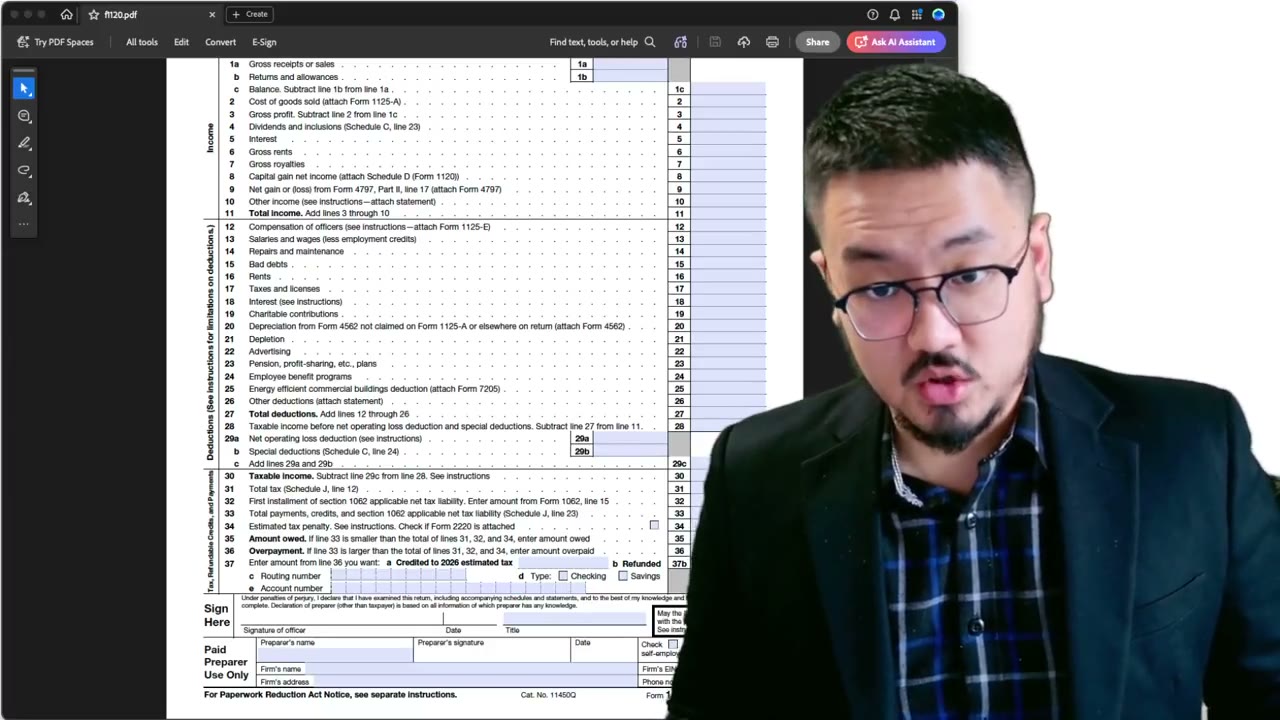
You want the plain Form 1120 — "U.S. Corporation Income Tax Return." Click into the form's landing page, which shows the current revision, the form PDF link, and the separate Instructions PDF link. Download both. The instructions are essential because the form alone doesn't tell you what each field expects.
Searching for Form 5472
Same process for Form 5472: search "5472," find the landing page ("Information Return of a 25% Foreign-Owned U.S. Corporation or a Foreign Corporation Engaged in a U.S. Trade or Business"), and download the form PDF and the instructions PDF.
Form 5472 instructions are particularly important — they contain the special heading requirement ("Foreign-owned U.S. DE" written across the top of Form 1120), the unique mailing address for foreign-owned DEs, and the fax number. None of this is in the Form 1120 instructions; it lives only in the Form 5472 instructions.
Open the PDF in an Editor, Not Just a Viewer
Once downloaded, open the PDFs in an editor — Adobe Acrobat, PDF Expert, Foxit, or any tool with form-filling support. A plain PDF viewer (Apple Preview's read-only mode, for example) won't let you type into the fields.
You'll know you have the right kind of tool when clicking a form field gives you a text cursor or selection box. If the field stays inert, your tool isn't in fill mode.
Save Locally Before Filling
Download the PDFs to your computer (not just into the browser's temporary preview) and save the editable copies locally. Otherwise, if you accidentally close the browser tab, you lose all your input.
A practical workflow: download both forms + instructions, drop them into a folder named like "5472-2025-filing," open the form PDFs from that folder in your editor, and save frequently as you fill. The instructions PDF you can keep open in a separate window for reference.
Why You Shouldn't Trust AI for the Latest Form
AI assistants are useful for understanding what fields mean, but they can be months out of date on the actual form content. If a revision changed a field number or added a new checkbox, an AI might still describe the old version with confidence.
The rule: use AI to understand, use IRS.gov to download. The two roles don't conflict — AI is fine for "what does line 3a mean?" but bad for "is this the current revision?" That second question gets answered by the date stamp on the IRS.gov landing page.
Frequently Asked Questions
What if the PDF I downloaded doesn't let me type in the fields?
Your PDF viewer doesn't support form fill. Try a different tool — Adobe Acrobat Reader (free), PDF Expert (Mac), or Foxit (Windows). Apple Preview's basic view is read-only; you need its annotation mode or another editor.
Should I download the form every year or reuse last year's?
Download fresh every year. Form revisions are common and minor changes can affect processing. The 30 seconds to re-download is worth it.
Where exactly are the form 1120 and 5472 instructions for the special mailing address?
In the Form 5472 instructions PDF, under the heading "When and Where to File." That section lists the specific address and fax number for foreign-owned U.S. DE filings, separately from the standard 1120 routing.
IRS Form 5472 Instructions
Official IRS source on irs.gov
Listen on Spotify
Money & Tax Talk with Rippa — 5/5 rating
Never miss an IRS deadline
Get free email reminders for Form 5472, state annual reports, quarterly estimated tax, and OBBBA rule changes — built for foreign-owned LLC owners. No spam. Unsubscribe anytime.
We respect your privacy. No spam, ever.
Need to file your foreign-owned LLC return?
Skip the CPA bill. Our guided wizard builds your IRS-ready filing package, step by step.
Includes its walkthrough video pack
Start filing →
Ask the AI tools, free
Tax Return Drafter, Catch-Up Planner, Form Reviewer, IRS Notice Decoder — purpose-built AI tools, no signup needed.
Free tier · BYOK Anthropic/OpenAI for power use
Browse tools →
Starting your foreign-owned LLC?
Vetted partners we use ourselves: doola & Firstbase for formation, Mercury for banking, Alohi for IRS faxing.
No-fluff recommendations, no Northwest
See partners →
More on Form 5472 & Foreign-Owned LLCs
Foreign-Owned LLC IRS Mail Submission — 5-Point Pre-Mail Checklist
Foreign-Owned LLC IRS Mail Checklist: 5 Steps Before You Send Form 5472
 2:24
2:24Faxing Form 5472: Sending the Combined PDF via a Web Fax Service (fax.plus)
 5:25
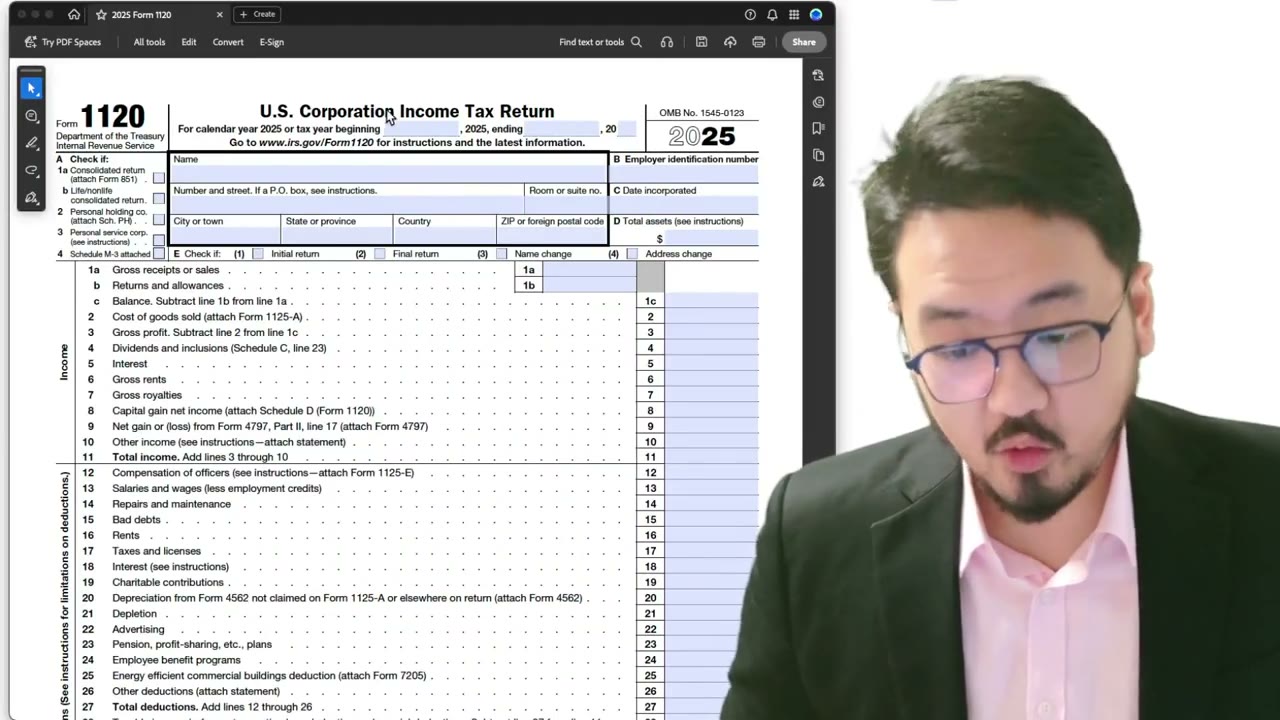
5:25Pro Forma 1120: Adding the Foreign-owned U.S. DE Header Despite XFA Restrictions
 1:04
1:04Why the IRS Requires Form 5472 for Foreign-Owned LLCs: Pro Forma 1120 Explained
 5:30
5:30Pro Forma 1120 + Form 5472: Mail vs Fax (and Why the Mailing Address Is Special)
 3:25
3:25