IRS Mail Package Checklist: What to Include for Form 1120 + 5472

Key Takeaways
- Three logical sections in the package: pro forma 1120 (1 page) + Form 5472 (all pages, typically 4) + reportable transaction attachments
- Print ONLY page 1 of Form 1120, leave income/deduction/balance-sheet fields blank — this is correct for pro forma
- Write 'Foreign-Owned U.S. DE' at the top of the pro forma 1120 cover — this is your routing signal to the Ogden PIN Unit
- Sign in TWO places: pro forma 1120 page 1 (Officer signature) and Form 5472 page 2 — wet ink in pen, same date
- Multiple related parties = multiple Form 5472s, one per related party, each with its own attachments
The Three Required Parts of the Mail Package
When you mail your foreign-owned single-member LLC filing to the IRS, the envelope should contain exactly three logical sections — in this order:
1. Pro forma Form 1120 (1 page, front of the package). 2. Form 5472 (typically 4 pages, plus one extra Form 5472 for each related party beyond the first). 3. Reportable transaction attachments (variable — could be 0 pages or 50, depending on transaction complexity).
No other forms are required for the typical foreign-owned single-member LLC. You do NOT include Schedule L, Schedule M-1, Schedule M-2, Schedule G, Form 1125-A, Form 1125-E, or any other schedule normally attached to a real Form 1120. Including them confuses the Ogden PIN Unit intake team and can slow processing.
The order matters. Pro forma 1120 goes first (it's the cover). Form 5472 follows (it's the main attachment). Reportable transaction attachments come last (they expand the 5472).
Page 1 of the Pro Forma 1120: What to Print, What to Mark
Print page 1 of Form 1120 (the cover sheet). This is the ONLY page of Form 1120 you need. Do not print pages 2-6 — they cover income, deductions, balance sheet, and other elements that are not relevant to a pro forma filing.
On page 1:
- Write or type 'Foreign-Owned U.S. DE' at the very top of the page, above the IRS letterhead. This is your routing signal to the Ogden PIN Unit. Without it, the package may be misrouted. - Fill in: LLC name, EIN, address, date incorporated, total assets (the value of contributed capital), tax year fields. - Check the appropriate box: 'Initial return' if first-year, 'Final return' if dissolving, or leave blank for normal annual filing. - Sign and date the bottom of page 1. This is the wet-ink signature line — sign in pen on the printed page.
Do NOT fill in any income, deductions, or balance sheet fields. The pro forma 1120 should look mostly blank below the entity-block header — this is intentional and correct. The substantive content is on Form 5472, not the 1120.
Form 5472: All Pages, Multiple Copies if Multiple Owners
Print ALL pages of Form 5472 — typically 4 pages in the current revision. Do not omit any page, including pages that look mostly blank for your filing. The IRS expects the full set.
Section-by-section:
- Part I (Page 1): Reporting corporation info — name, address, EIN, principal business activity, country of incorporation, total assets. - Part II (Page 2): 25% foreign shareholder info — name, address, country of citizenship, tax ID, relationship type. Sign at the bottom of Page 2. - Part III (Page 2-3): Related party info — for the OWNER of the LLC (which is the foreign individual or entity). - Part IV (Page 3): Monetary transactions between the reporting corporation and the foreign shareholder. - Part V (Page 3): Reportable transactions with all related parties. - Part VI, VII, VIII (Page 3-4): Non-monetary, non-financial transactions; specific transactions; cost-sharing arrangements.
If you have MORE THAN ONE related party (e.g., a foreign spouse who is also a related party under Treas. Reg. §1.6038A-1(d)), you file a SEPARATE Form 5472 for each related party. So a foreign-owned LLC with 1 owner files 1 Form 5472. An LLC with 2 related foreign owners files 2 Form 5472s (one for each), each as a separate set of pages.
On each Form 5472, update the 'number of Forms 5472 filed' field on Page 1 to reflect the total count across all related parties.
Reportable Transaction Attachments: When and How to Add
Form 5472 Part IV (monetary) and Part V (reportable transactions) have line items for capital contributions, distributions, loans, payments for services, royalties, rents, and several other categories. Each line has fields for amount.
If you have only one or two transactions in a category, you can list them directly on Part IV/V lines. The form has space for a handful of summary entries.
If you have MORE transactions than fit on the form lines — e.g., 12 separate capital contributions across the tax year — you need to attach a supplementary statement. The statement should:
1. Be on plain paper (no specific form template required). 2. Reference the Form 5472 line you're expanding (e.g., 'Continuation of Form 5472 Part V, Line 11 — Capital Contributions'). 3. List each transaction with: date, amount, currency (if not USD), counterparty (the related party name), and a brief description. 4. Sum the total at the bottom.
The total on the attachment should match the total you wrote on the corresponding Form 5472 line. If your attached statement totals $50,000 and Form 5472 Line 11 also says $50,000, the IRS reconciles them and the filing is consistent.
More complex example: if you have reportable transactions with MULTIPLE related parties, each Form 5472 gets its own attachment for that party's transactions. Do not combine related-party transactions on a single attachment.
Final Pre-Mail Checklist: Pages, Signatures, Order, Envelope
Before sealing the envelope, run through this final checklist:
Pages — Print all required pages and confirm none are missing. Specifically: pro forma 1120 page 1 (1 page) + Form 5472 all pages (typically 4) + attachments (variable). Number the package pages by hand in the bottom right corner if you want to make page-loss recovery easier for the IRS processor.
Signatures — Confirm wet-ink signatures (in pen) on: pro forma 1120 page 1 (Officer signature line, bottom) AND Form 5472 page 2 (Signature of officer of reporting corporation). You sign in TWO places, not on every page. Same physical date for both signatures.
Order — Cover sheet first (1120), then Form 5472 in page order, then attachments. Do not staple unless required — the IRS prefers loose pages they can scan in batches. A paper clip is acceptable.
'Foreign-Owned U.S. DE' header — Write or type this phrase at the top of the pro forma 1120 cover sheet. This is the routing signal for the Ogden PIN Unit.
Envelope — Address to: IRS, 1973 N. Rulon White Blvd. M/S 6112, Attention: PIN Unit, Ogden, UT 84404. Use a manila envelope or larger that the package fits without folding. Folding can damage the barcode strips on the IRS forms.
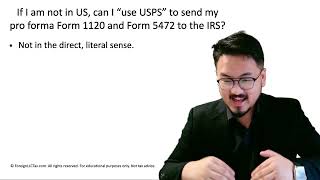
Mail service — USPS Certified or Registered (from inside the U.S.) OR DHL/FedEx/UPS via the §7502(f) list (from outside). Retain the receipt and tracking number.
Final scan — Before sealing, scan the entire signed package to a single PDF. Store in your tax records alongside the proof of mailing. This is your defense if the IRS ever asks what you submitted.
Frequently Asked Questions
Do I need to staple the pages together?
No. The IRS prefers loose pages or a paper clip so they can scan in batches. Staples can damage scanner feeders and slow processing. If you want some physical organization, a single paper clip at the top-left is fine.
Should I include a cover letter explaining the filing?
Not required. The 'Foreign-Owned U.S. DE' header on the pro forma 1120 cover serves as the contextual signal. If you want to include a brief cover letter (e.g., explaining a complex reportable transaction), keep it to one page and place it as the very first sheet, above the pro forma 1120.
What if my reportable transaction attachment is 30 pages?
That's fine. The IRS does not impose a page limit on attachments. Long attachments are common when there are many small transactions. Make sure each attachment page has a header that ties it to the Form 5472 line being expanded, and the totals reconcile.
I'm filing for the first time — do I need to include the LLC formation documents?
No. The IRS does not require formation documents (Articles of Organization, Certificate of Formation, EIN confirmation letter) with the Form 5472 filing. Retain those documents in your records, but do not include them in the envelope.
IRS Form 5472 Instructions
Official IRS source on irs.gov
Listen on Spotify
Money & Tax Talk with Rippa — 5/5 rating
Never miss an IRS deadline
Get free email reminders for Form 5472, state annual reports, quarterly estimated tax, and OBBBA rule changes — built for foreign-owned LLC owners. No spam. Unsubscribe anytime.
We respect your privacy. No spam, ever.
Need to file your foreign-owned LLC return?
Skip the CPA bill. Our guided wizard builds your IRS-ready filing package, step by step.
Includes its walkthrough video pack
Start filing →
Ask the AI tools, free
Tax Return Drafter, Catch-Up Planner, Form Reviewer, IRS Notice Decoder — purpose-built AI tools, no signup needed.
Free tier · BYOK Anthropic/OpenAI for power use
Browse tools →
Starting your foreign-owned LLC?
Vetted partners we use ourselves: doola & Firstbase for formation, Mercury for banking, Alohi for IRS faxing.
No-fluff recommendations, no Northwest
See partners →
More on Form 5472 & Foreign-Owned LLCs
Foreign-Owned LLC IRS Mail Submission — 5-Point Pre-Mail Checklist
Foreign-Owned LLC IRS Mail Checklist: 5 Steps Before You Send Form 5472
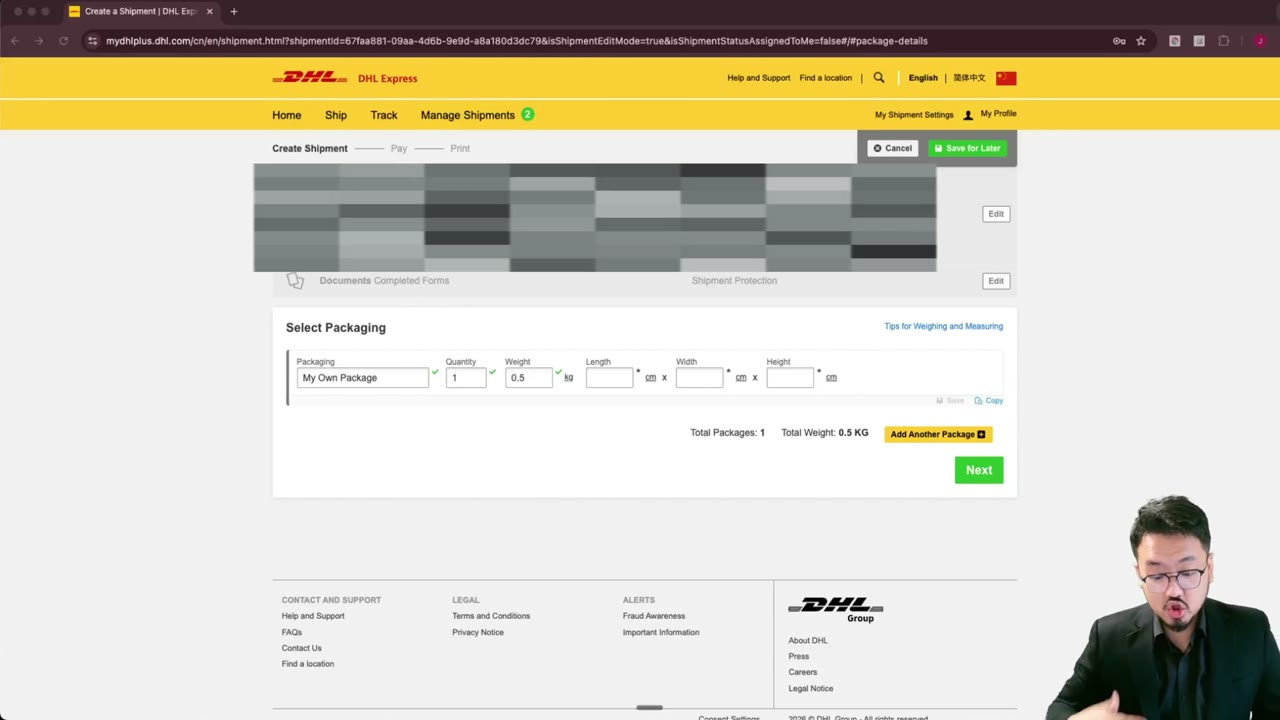 2:00
2:00DHL Express Package Dimensions & Weight for Form 1120 + 5472 Envelope
 1:30
1:30After Finishing Form 1120 & 5472, What's Next? Submission Walkthrough
 1:30
1:30Print, Sign & Mail Form 1120 + 5472 to the IRS — Default Submission
 1:30
1:30Why You Can't E-File Form 5472 + Pro Forma Form 1120 (IRS Reasons)
 1:30
1:30