Print DHL Label & Save Tracking — Your Proof of Timely IRS Filing

Key Takeaways
- On the final DHL screen, print everything — shipping label, air waybill, customs document, and receipt — to keep the full, courier-issued proof set
- Tracking is included with standard DHL Express; the waybill (tracking) number prints automatically on the label and waybill, with no add-on or checkbox to buy
- Keep four proofs together: the label showing the qualifying service tier, the acceptance receipt with date and time, the tracking number, and the signed delivery confirmation
- Under §7502(f), the date DHL accepts your package is your filing date — so the dated acceptance receipt is the single most important document you print
- Retain the proof set for at least six years; it is what helps you respond to a late-filing notice and document your timing if the IRS ever questions it
The Payoff Step: Print Everything
This is the last screen of the DHL Express booking flow, and it is the one that turns the data entry into a dated carrier record you can point to if the filing date is questioned. Once your payment goes through, DHL opens a "Print and preview your documents" screen. The instruction from the walkthrough is deliberately simple: print everything. Not just the shipping label that goes on the box — the waybill, the customs document, and the payment receipt too.
The reason is not tidiness. For a foreign-owned single-member LLC mailing a pro forma Form 1120 and Form 5472 to the IRS Ogden PIN Unit from abroad, these printouts are evidence. As the video puts it, you print the full set "just to make your case more defensible." Each page captures a different fact — what you shipped, when DHL accepted it, what it cost, and the number that lets anyone follow the package to Ogden.
The shipping label and the customs declaration must be printed through the DHL carrier system itself, because they carry the barcodes and the formatted customs data DHL's own network reads. Don't try to substitute a homemade form. Print the copies DHL generates, in the quantity DHL tells you, and keep the rest for your file. Getting this single screen right is what gives you a dated, courier-issued record that you filed on time — the whole point of choosing a private courier instead of dropping the package in a mailbox and hoping.
Where Your Tracking Number Lives (No Add-On Required)
The question that worries almost everyone at this stage is: where is my tracking number, and did I forget to add it? The walkthrough is reassuring and correct — there is nothing extra to buy. Standard DHL Express processing automatically issues a waybill, a receipt, and a tracking number. There is no separate tracking service, and no checkbox to enable. If you booked a qualifying Express shipment, you are already using the correct service, and the number comes with it.
DHL calls this the waybill number — the long figure, often around ten digits, printed on both the shipping label and the air waybill. "Waybill" is the same word the audio sometimes garbles into "whale bill" or similar; it is simply the master air-shipping document that travels with your package and carries the tracking number. It is generated the instant the shipment is created, not purchased as an option.
So when you reach the print screen, you are not hunting for a hidden tracking feature — you are reading the number off documents you already have. Find the waybill number on the label and the waybill, then copy it somewhere you can retrieve it later: a note, a spreadsheet row, a photo. You will need that number to watch the package move and, critically, to pull the delivery confirmation once it reaches Ogden. The tracking number is the thread that ties your shipping label, your acceptance receipt, and your eventual proof of delivery into one continuous, verifiable story.
The Four Proofs That Defend Your Filing Date
There is a specific set of records this site recommends you capture and keep, and the print screen is where you collect most of them. Treat these four as a single proof package:
1. The shipping label that shows the qualifying service tier. This documents that you used a DHL Express service the IRS designates for timely-mailing treatment — not a slower, non-qualifying option. The tier matters, because only designated private delivery services and service levels count under §7502(f).
2. The acceptance receipt showing the date and time. This is the cornerstone. The date DHL accepts the package is, under the rules below, your filing date. A receipt that prints the acceptance date and time is the document that fixes it.
3. The tracking (waybill) number. This lets you — or, if it ever comes to it, the IRS — independently confirm the package was handed to the carrier and where it went. It links the other three proofs together.
4. The signed delivery confirmation. You capture this later, once the package is delivered and DHL records a signature at Ogden. It closes the loop: not only did you ship on time, the IRS received it.
The print screen hands you the first three (the label and the receipt directly, the tracking number printed on both). The fourth you retrieve from DHL's tracking system after delivery. Save all four together. The label gets destroyed when the box is opened, so the printout in your file — not the one on the package — is the copy that counts.
Why the Acceptance Date Is Your Filing Date
Everything in this walkthrough rests on one rule. Under Internal Revenue Code §7502, a return that arrives at the IRS after the deadline is still treated as filed on time if it was deposited with the right service before the deadline — the "timely mailing, timely filing" rule. §7502(f) extends that protection from the U.S. Postal Service to designated private delivery services, which include qualifying DHL Express tiers. For those couriers, the date the service records as accepting your package is treated as the postmark — and therefore as your filing date.
This is why the acceptance receipt is the most important piece of paper you print. If your package is accepted by DHL on the deadline but reaches the Ogden PIN Unit a week later, §7502(f) still treats it as filed on the acceptance date — provided you can prove that date. The receipt, the qualifying-tier label, and the tracking record are how you prove it.
What is at stake makes the record worth keeping. The IRS international information-reporting penalty page describes a $25,000 penalty for each failure to file a complete and correct Form 5472 by the due date, with continuation penalties after notice. If the IRS ever issues a late-filing notice, your response should rest on dated, courier-issued evidence showing acceptance on or before the deadline. That is what a §7502(f) proof set is designed to help document. For the full mailing procedure and the PIN Unit address, see /guides/mail-form-5472-to-irs.
Save the Set for Six Years and Close the Loop
Printing the documents is the moment your evidence becomes real and physical, but it only protects you if you keep it. Save the proof set — the qualifying-tier shipping label, the dated acceptance receipt, the tracking number, and (once it posts) the signed delivery confirmation — for at least six years. That horizon is not arbitrary: it matches the extended assessment period that can apply to international information-return failures, so your proof should outlive the window in which the IRS could still raise the filing.
Keep the records in two forms if you can. Scan or photograph the waybill and receipt into a PDF filed with that tax year's records, and hold the physical copies as a backup. Note the tracking number in the same place, and once DHL shows the package delivered with a signature at Ogden, save that screen too. That delivery confirmation is the fourth proof — the one the print screen can't give you today — and retrieving it later is what finishes the job.
A quick word on the payment surprise some filers see: DHL may briefly authorize more than your quote, then settle to the real amount and release the rest within a few business days. That is a routine authorization hold, not an overcharge — don't cancel the shipment over it. Confirm the final charge matches your quote later, and keep the receipt either way.
That closes the DHL walkthrough. Your forms are assembled, addressed to the PIN Unit, paid for, and printed — and you are leaving with dated records that can help support timely filing. If you reached this article without the booking videos, the full step-by-step DHL screens are available with the Form 5472 video pack or membership at /unlock-videos. Print everything, save everything, and your filing date is supported by contemporaneous carrier records rather than memory.
Frequently Asked Questions
Where is my DHL tracking number after I pay?
It is already printed on the documents DHL generates — the air waybill and the shipping label both carry the waybill (tracking) number. Standard DHL Express service assigns it automatically, so there is no separate tracking product to add and no checkbox to enable. Copy the number somewhere you can find it later; you will need it to pull the delivery confirmation.
Which printout actually proves I filed on time?
The dated acceptance receipt. Under IRC §7502(f), the date a designated private delivery service like a qualifying DHL Express tier accepts your package is treated as your filing date, even if it reaches the Ogden PIN Unit later. The receipt fixes that date; the qualifying-tier label and tracking number corroborate it. Keep all of them together — see /guides/mail-form-5472-to-irs for the full procedure.
How long should I keep the shipping documents?
At least six years. That matches the extended assessment period that can apply to international information-return failures such as a missing Form 5472, so your proof should outlast the window in which the IRS could still raise the year. Save digital scans plus the physical copies, and add the signed delivery confirmation once DHL records it.
DHL charged my card more than the quote — should I cancel?
No. That is almost always a temporary authorization hold set higher than the final price to cover possible surcharges; DHL settles to the real amount and releases the rest within a few business days. Cancelling could leave you without a label, a tracking number, or a timely filing. Confirm the final charge matches your quote later, and keep the receipt regardless.
IRS Form 5472 Instructions
Official IRS source on irs.gov
Listen on Spotify
Money & Tax Talk with Rippa — 5/5 rating
Never miss an IRS deadline
Get free email reminders for Form 5472, state annual reports, quarterly estimated tax, and OBBBA rule changes — built for foreign-owned LLC owners. No spam. Unsubscribe anytime.
We respect your privacy. No spam, ever.
Need to file your foreign-owned LLC return?
Skip the CPA bill. Our guided wizard builds your IRS-ready filing package, step by step.
Includes its walkthrough video pack
Start filing →
Ask the AI tools, free
Tax Return Drafter, Catch-Up Planner, Form Reviewer, IRS Notice Decoder — purpose-built AI tools, no signup needed.
Free tier · BYOK Anthropic/OpenAI for power use
Browse tools →
Starting your foreign-owned LLC?
Vetted partners we use ourselves: doola & Firstbase for formation, Mercury for banking, Alohi for IRS faxing.
No-fluff recommendations, no Northwest
See partners →
More on Form 5472 & Foreign-Owned LLCs
 2:30
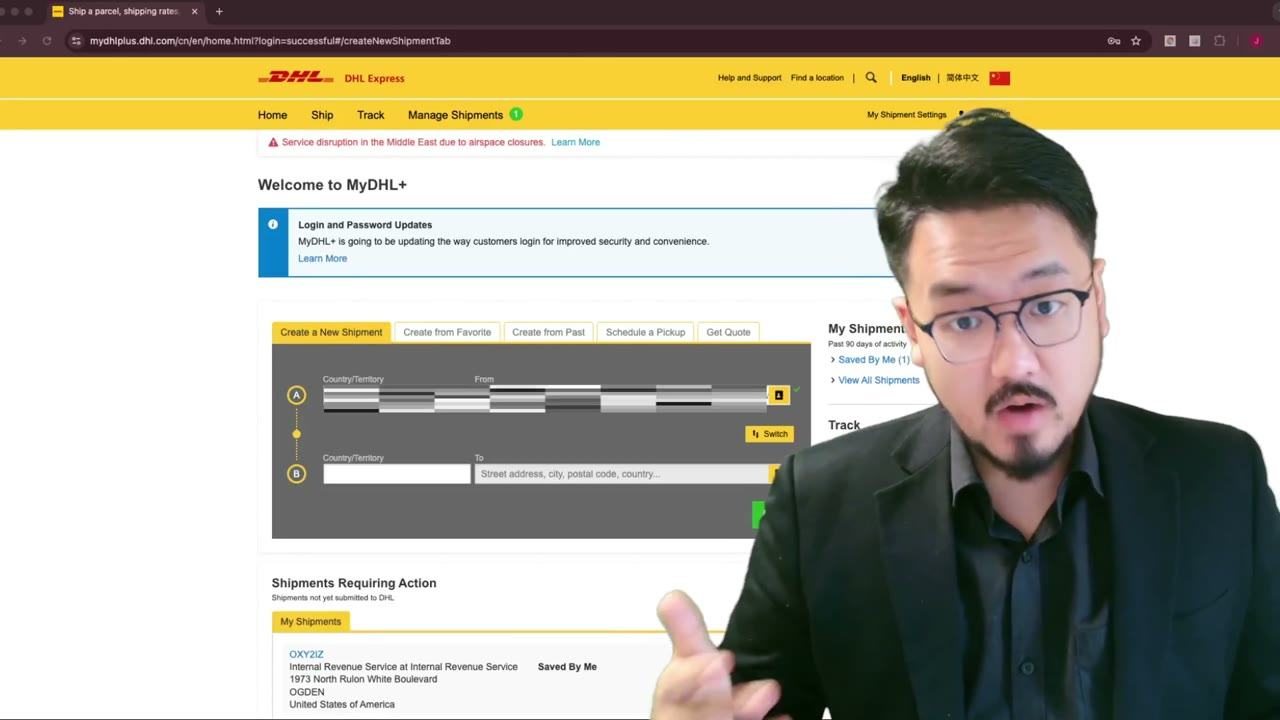
2:30DHL Express to IRS: How to Fill Receiver Info (Step-by-Step)
 1:45
1:45Why Register Your Own DHL Express Account for IRS Filings
 3:00
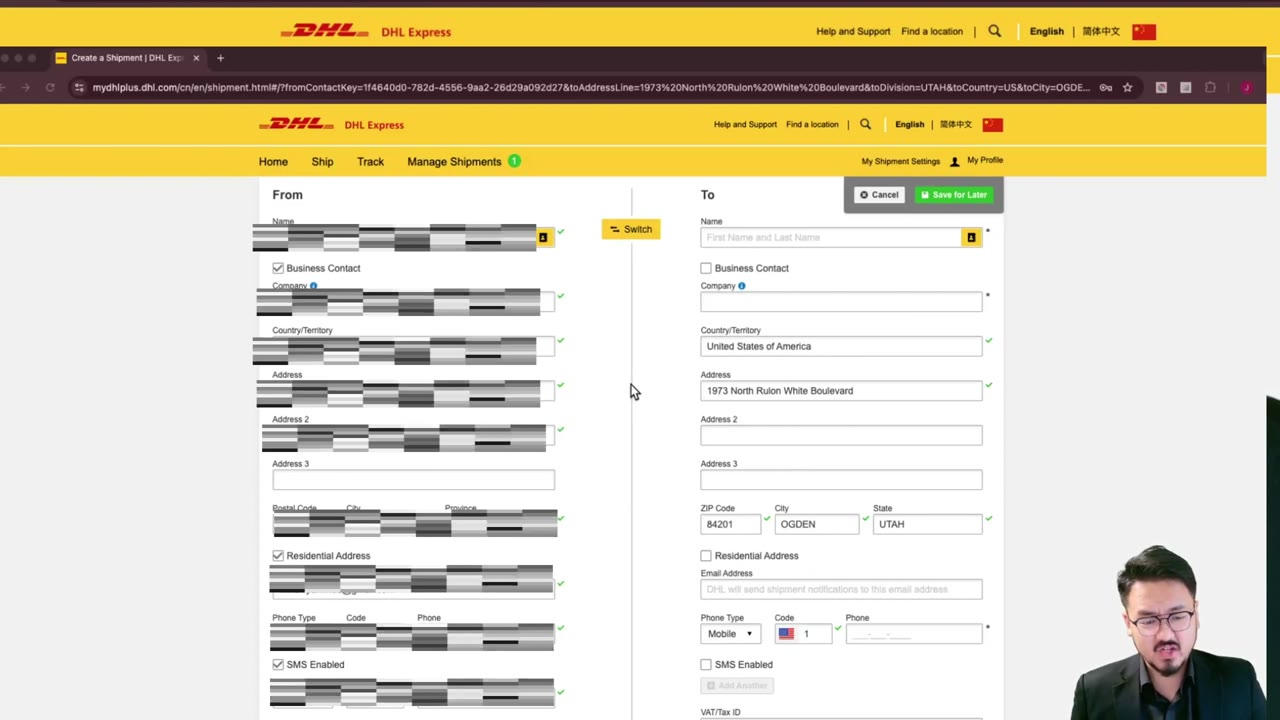
3:00DHL Express to IRS: How to Fill Sender Info When Outside the U.S.
 4:00
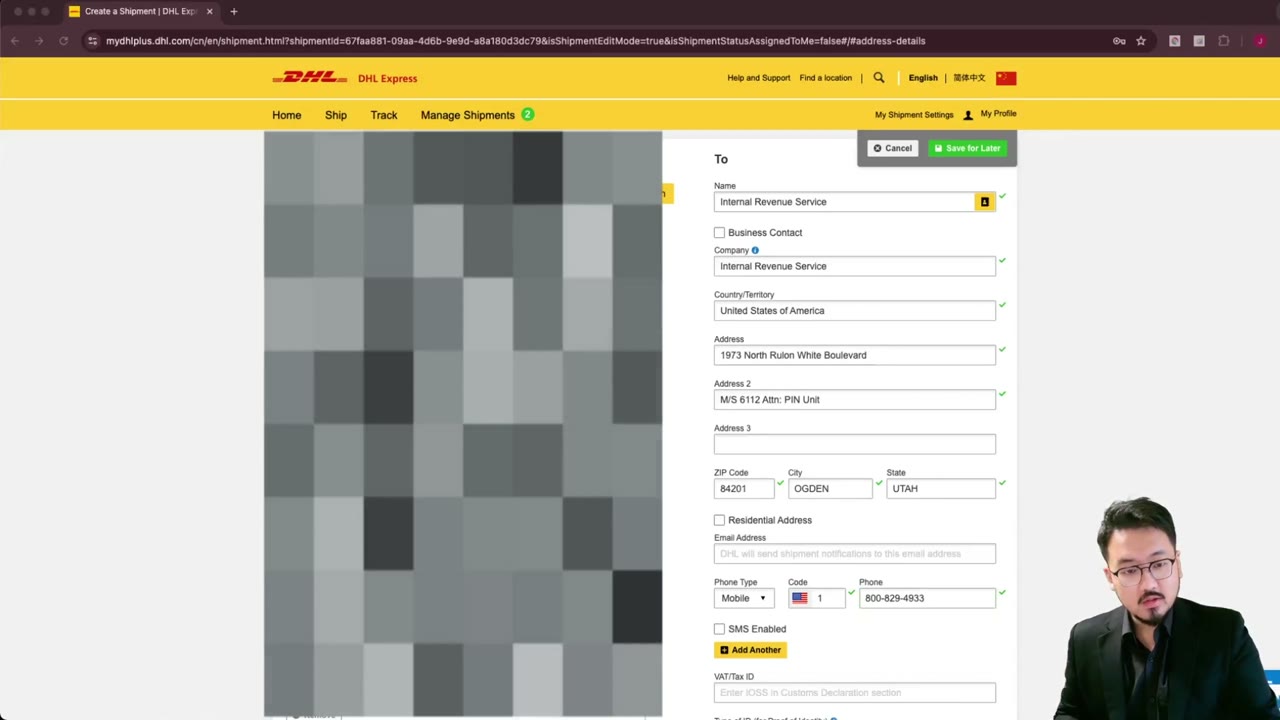
4:00DHL Express: Enter IRS Ogden Address Line-by-Line (Detail)
 2:30
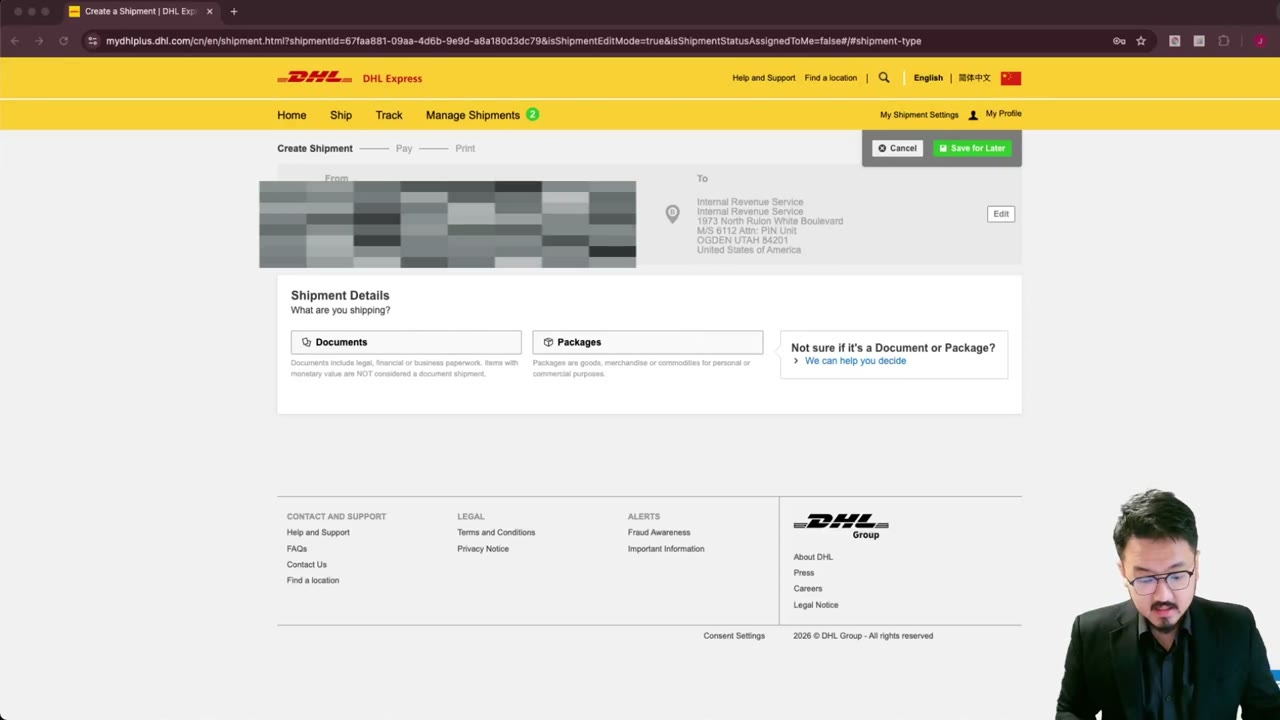
2:30DHL Express to IRS: Pick 'Documents' Shipment Type + Reference Field
 1:45
1:45