Mailing Form 1120 + Form 5472: Why Wet Signature Is Mandatory (Not Just Recommended)

Key Takeaways
- Mail submissions absolutely require a wet signature — IRS examines the physical paper directly
- Fax submissions are slightly more forgiving on signature type, but wet is still safest
- Sign all three: Form 1120, Form 5472, and the §1.6038A-2 attachment with the same pen and date
- Use black or dark blue ink — avoid red, light colors, or unusual ink types
- Always use the Foreign-Owned DE mailing address from the Form 5472 instructions, not the standard 1120 address
Wet Sign for Mail: The Safe Default
If you're going to mail the pro forma Form 1120 + Form 5472 (instead of faxing), the answer to "should I wet sign?" is yes. Always.
Mail is the most scrutinized delivery method. Unlike fax (where the IRS receives an image and may not distinguish wet from electronic signatures), mailed paper is examined as a physical document. A typed signature on a mailed form is immediately distinguishable from a hand-signed signature.
Why Fax Is Slightly More Forgiving
When you fax, the IRS receives a scanned image of whatever you sent. They can't always tell whether the signature was wet ink or a digital overlay — both look similar in the rasterized fax. So digital signatures are sometimes accepted on faxed filings, even though it's still not the safest approach.
But mail is different. The IRS receives the actual paper. A signature line filled with typed text is unmistakably non-wet. A printed digital signature image is detectable as printed. Wet ink is unique — and the only signature type unambiguously authentic on mailed paper.
The Procedure for Mailed Filings
For mail submissions:
1. Fill the form digitally in your PDF editor 2. Print all pages of the final package on standard paper (Form 1120, Form 5472, attachments) 3. Sign the Form 1120 signature line in BLACK INK with a regular pen 4. Date the signature 5. Sign the Form 5472 signature (Item 3 on Form 5472, where present) 6. Sign and date the §1.6038A-2 supplementary attachment 7. Assemble the signed pages in the correct order 8. Mail via DHL/FedEx/UPS (an IRS-approved private delivery service)
All three signatures (1120, 5472, attachment) should be wet — same pen, same person, consistent date. The IRS reviewer cross-references these and an inconsistent signature pattern looks suspicious.
Why "Wet Sign" Means Pen and Ink, Not a Wet Pen
The phrase "wet sign" is jargon that confuses non-native English speakers. It doesn't refer to literal wetness or any specific kind of ink. It means: a signature made with a physical writing instrument (typically pen) on physical paper, at the moment of signing.
Opposite of wet sign: any digital signature, typed name, scanned-and-pasted signature image, or stylus-on-screen signature. All of these are "electronic" signatures, even if they ultimately appear as ink-like marks on paper.
The Mailing Address (Reminder)
Mail to the specific Foreign-Owned DE address listed in the Form 5472 instructions — NOT the standard Form 1120 address. Using the wrong address sends your filing to the wrong unit, causing weeks of delay even if the signature and content are perfect.
The specific address rotates occasionally as the IRS reorganizes. Always cross-check with the current Form 5472 instructions on irs.gov before mailing.
Use a Black or Dark Blue Pen
Standard IRS guidance: use black or dark blue ink for signatures. Avoid red ink (visually associated with corrections, may confuse processors), light colors (low contrast on scanned documents), or unusual colors.
Black is the safest default. The signature should be clear, visible, and unmistakable as your authentic mark. Avoid gel pens with metallic ink, fountain pens with watery ink, or markers with too-thick lines.
Frequently Asked Questions
If I'm mailing, can I skip the wet sign on the supplementary attachment?
Don't. The attachment is part of the filing under penalty of perjury, same as the main forms. Sign and date it with the same wet signature as the rest. Skipping creates inconsistency that can flag the filing.
What pen color does the IRS recommend?
Black or dark blue. Black is the most universally safe choice — high contrast on scanned documents, visually neutral, no color-based associations with anything unusual.
Do I need to use the same exact signature I use on other documents?
Use your typical signature — the one you'd use on a contract or bank document. Don't invent a new signature for tax purposes. Consistency with your normal signature is important if your signature is ever compared to other records.
IRS Form 1120 Instructions
Official IRS source on irs.gov
Listen on Spotify
Money & Tax Talk with Rippa — 5/5 rating
Never miss an IRS deadline
Get free email reminders for Form 5472, state annual reports, quarterly estimated tax, and OBBBA rule changes — built for foreign-owned LLC owners. No spam. Unsubscribe anytime.
We respect your privacy. No spam, ever.
Need to file Form 5472 + pro forma 1120?
Skip the CPA bill. Our guided wizard builds your IRS-ready filing package, step by step.
Includes its walkthrough video pack
Start filing →
Ask the AI tools, free
Tax Return Drafter, Catch-Up Planner, Form Reviewer, IRS Notice Decoder — purpose-built AI tools, no signup needed.
Free tier · BYOK Anthropic/OpenAI for power use
Browse tools →
Starting your foreign-owned LLC?
Vetted partners we use ourselves: doola & Firstbase for formation, Mercury for banking, Alohi for IRS faxing.
No-fluff recommendations, no Northwest
See partners →
More on Form 1120 Corporate Tax Return
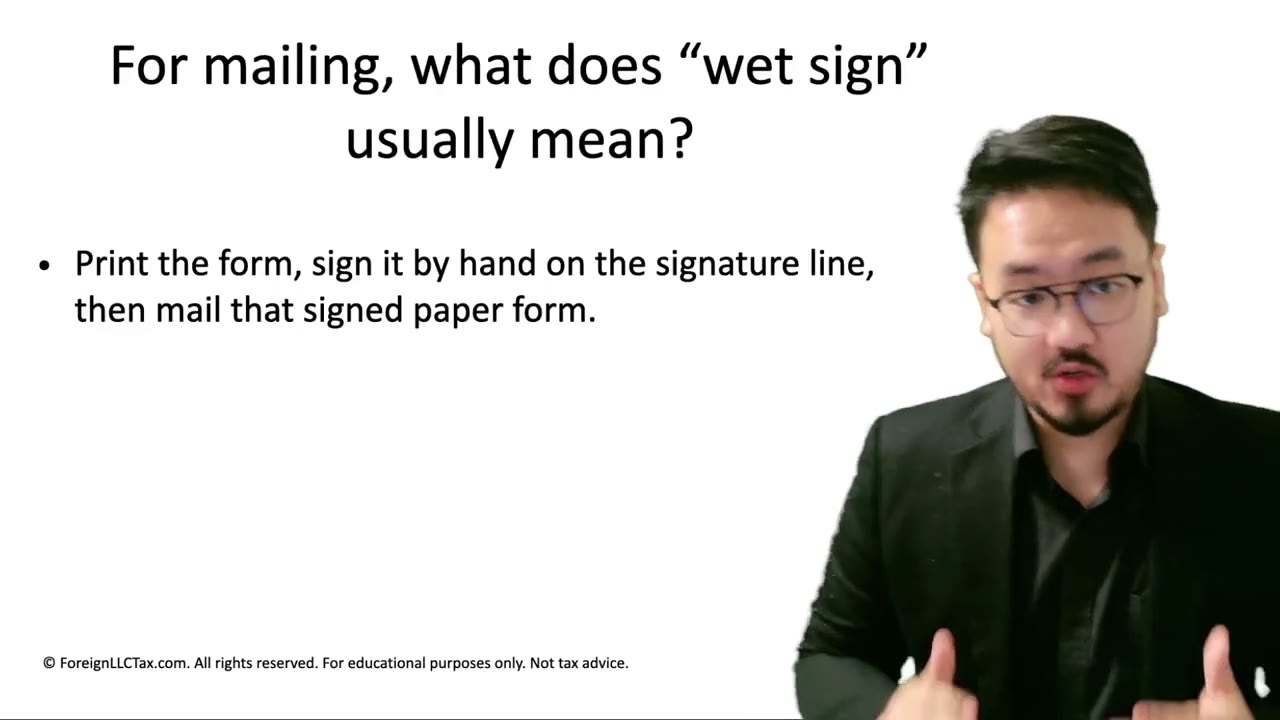 2:55
2:55What Is a Wet Signature? Pen + Ink + Paper Defined for IRS Filing Purposes
 9:10
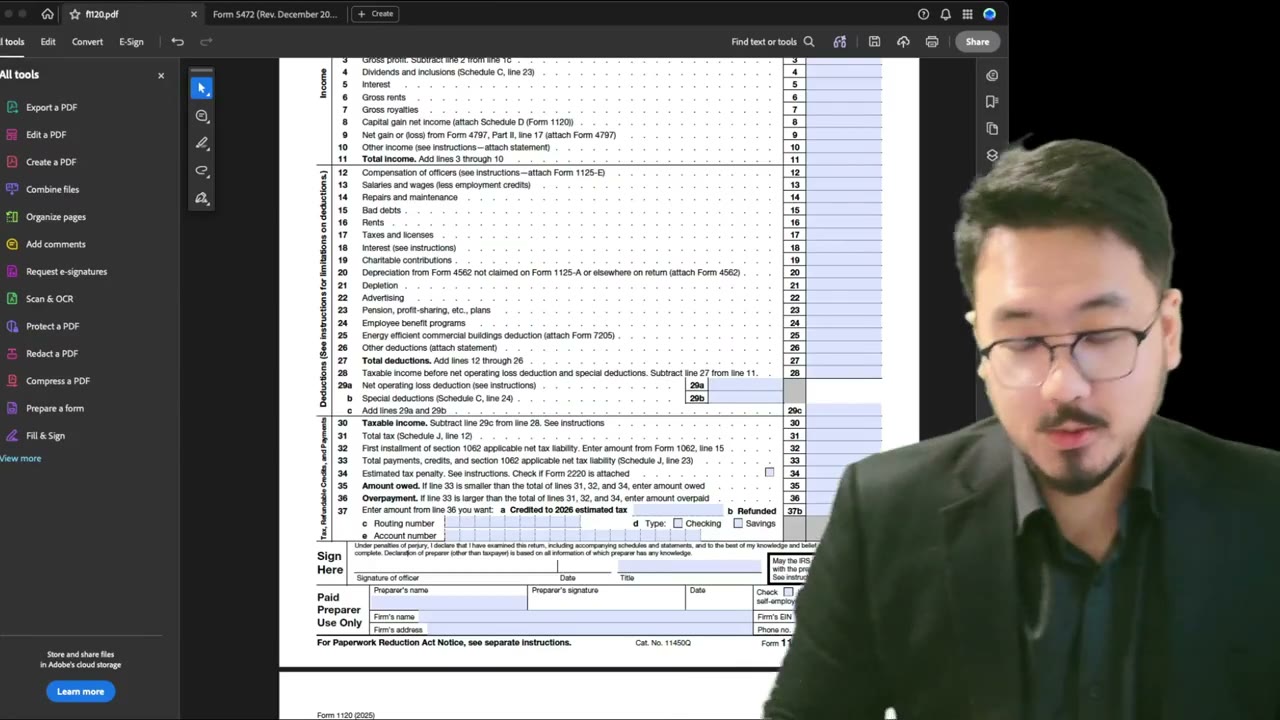
9:10Form 1120 Signature: Wet Sign vs. Digital, Title Field, Taxpayer vs. Preparer Sections
 2:31
2:31Half-Width vs Full-Width Characters on IRS Forms: Use ASCII Only (Form 1120 and 5472)
 2:30
2:30Form 1120 Tax Year Demo: Beginning, Ending & Short-Year Filings
Form 1120 Explained — What It Is, Who Files, and How It Works
Form 1120 Explained: What It Is, Who Files It, and How It Works (2025-2026)
LLC Elected as C-Corp — Filing Requirements and Special Rules