What Is a Wet Signature? Pen + Ink + Paper Defined for IRS Filing Purposes

Key Takeaways
- "Wet sign" = signature made with pen-and-ink on physical paper at the moment of signing
- Wet sign is opposite of: typed names, pasted signature images, stylus-on-screen, e-signatures (DocuSign etc.)
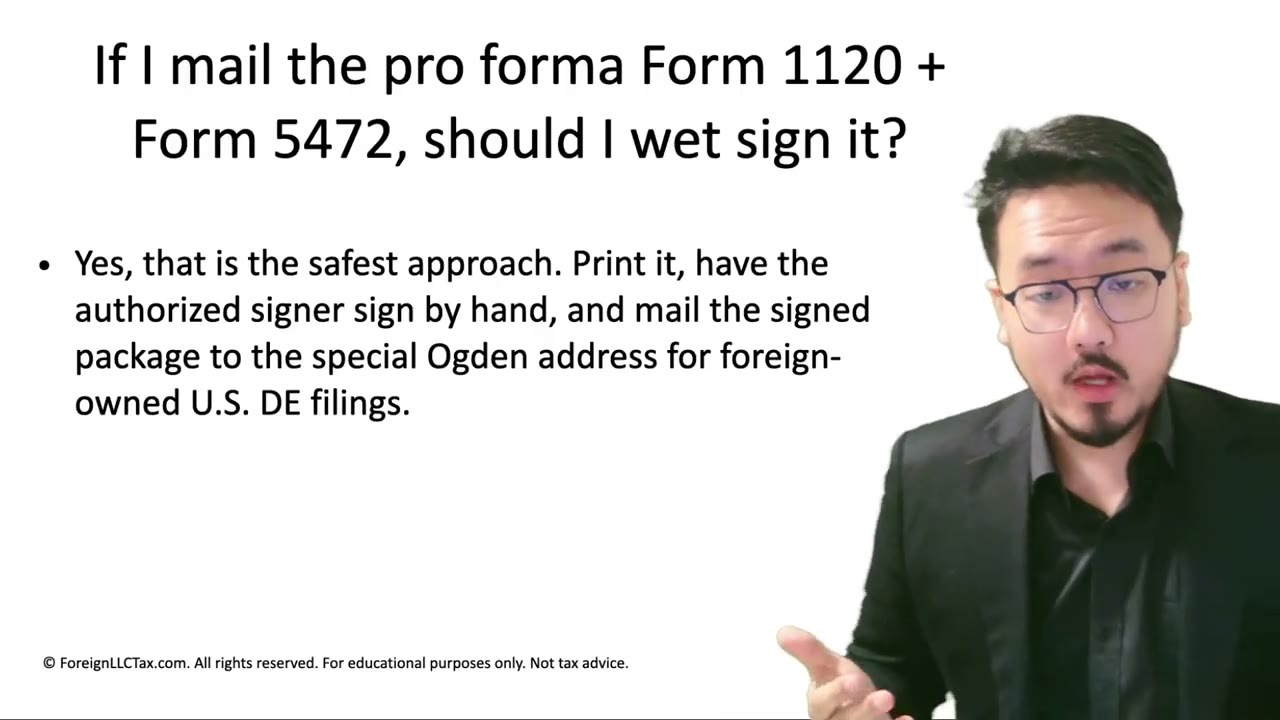
- Pro forma 1120 + 5472 requires wet sign because it can't be e-filed — paper-equivalent submission needs paper-equivalent signature
- Workflow: print → sign with black/dark blue pen → scan at 300+ DPI → fax or mail
- Wet sign is much more defensible than digital — tied to physical act, harder to challenge in disputes
Defining "Wet Sign" for International Filers
Many foreign owners aren't native English speakers and encounter the phrase "wet sign" for the first time in U.S. tax contexts. The phrase is jargon — it doesn't appear in dictionaries with this specific meaning. Here's the precise definition:
**Wet sign**: a signature physically made by a person using a writing instrument (typically a pen, with ink) on a piece of paper. The "wet" refers to the wet ink leaving a mark on the paper at the moment of signing.
Wet Sign vs. Digital Sign
**Wet sign** = pen + ink + paper at the moment of signing
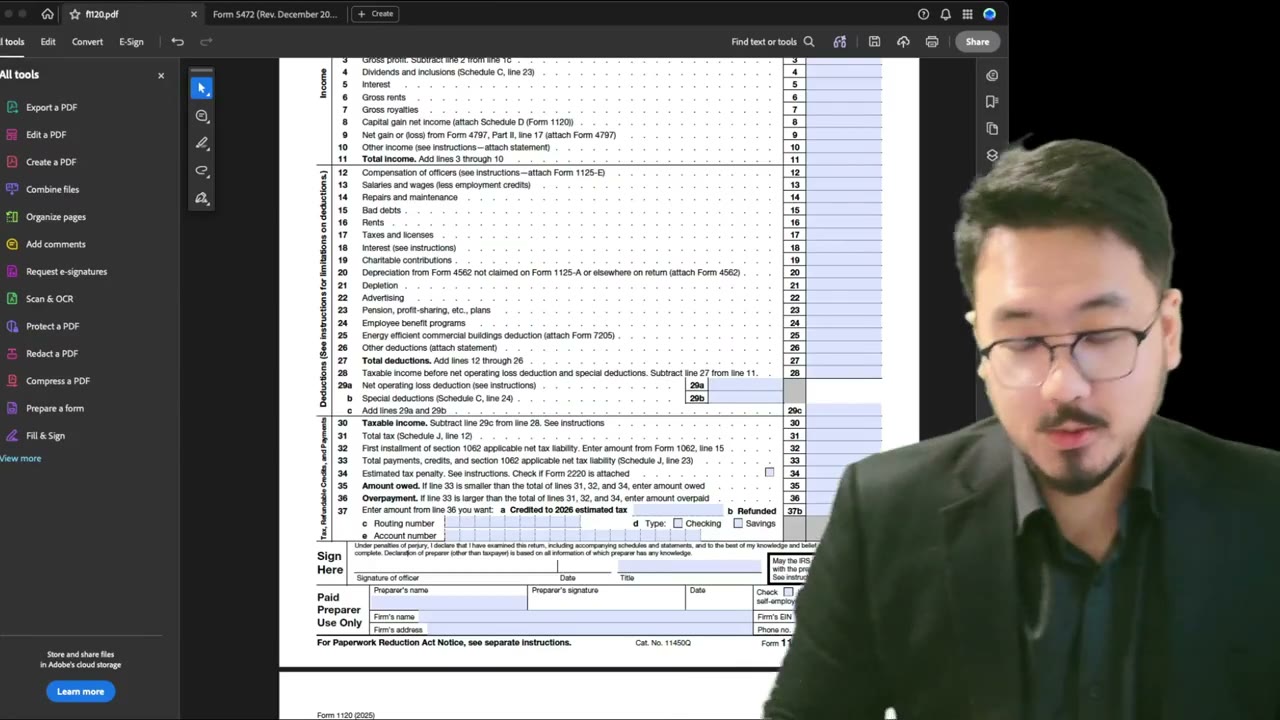
**Digital sign** = anything not pen-on-paper at the moment of signing: - Typed name in a signature field - Scanned image of a signature, pasted into a digital document - Stylus signature on a tablet or phone screen - Acrobat's Fill & Sign signature image - E-signature service (DocuSign, HelloSign, etc.)
The distinguishing factor is the physical act of signing on paper, with ink, at the time the document is being signed.
How to Wet Sign a Tax Form Step by Step
For mailing: 1. Print the form on standard paper (8.5×11 or A4) 2. Pick up a black or dark blue ink pen 3. Place the paper flat on a desk 4. Sign your name in the signature line, just as you would sign a bank check or a contract 5. Date the signature in the date field 6. Mail the signed paper, or scan it at 300+ DPI for faxing
The key step is #4 — your hand physically signs the paper with the pen. That's what makes it "wet."
What's NOT a Wet Sign
Examples of signatures that are NOT wet:
- **Typing your name**: "John Smith" in the signature field as plain text - **Pasting a signature image**: a JPG of your signature dropped into a PDF - **Stylus on a screen**: signing on an iPad or phone screen with a stylus or finger - **Acrobat's Fill & Sign image**: Acrobat's built-in signature feature that adds a digital image of your signature - **DocuSign / HelloSign**: e-signature platforms that record your consent but don't involve pen-on-paper at the moment
All of these can look like signatures, but legally they're digital/electronic, not wet.
Why the IRS Cares About Wet for Mail
The IRS allows electronic signatures for filings that are e-filed (where the entire process is digital and authenticated through the e-file platform). But pro forma 1120 + Form 5472 for foreign-owned DEs cannot be e-filed — only mailed or faxed.
When you mail paper, the IRS receives a physical document. They want to see a wet signature on the physical document because that confirms the document was actually signed by you (you handled the paper, you held the pen, you signed). Digital signatures on mailed paper look like printouts — which they are — and can't be distinguished from a fraudulently signed document.
What Foreign Owners Should Do
If you're a foreign owner filing the pro forma 1120 + Form 5472 from outside the U.S., the wet-sign requirement still applies. The IRS doesn't relax the requirement based on where you live.
Find a way to print, sign, and scan the documents. Most cities worldwide have copy shops, business centers, or co-working spaces with printers and scanners. If you have a smartphone, you can sign on paper and use a document-scanning app (Adobe Scan, Microsoft Lens, Apple Notes Scan, Notebloc) to capture the signature at sufficient DPI.
Why Wet Sign Is More Defensible
If the IRS ever questions a filing's authenticity (rare, but happens in audits), a wet signature is much harder to challenge than a digital one. The wet signature shows:
- Physical presence with the document (you held the paper) - Use of a personal writing instrument (your handwriting style) - An intentional act of signing at a specific moment
Digital signatures lack all three — they can be made by anyone with access to the digital image, anywhere, any time. Wet signatures are tied to your physical action, which is much harder to fake or dispute.
Summary: When in Doubt, Print and Sign
For pro forma 1120 + Form 5472 filings, the safe default is always: print the document, sign with a pen, scan or mail the signed page. The 5–10 minutes of effort is a low-cost way to reduce the risk of a signature dispute or a re-filing requirement.
If circumstances genuinely prevent wet signing (no printer access, no copy shop nearby), you can use a digital signature — but recognize you're taking on additional risk that's hard to quantify until something goes wrong.
Frequently Asked Questions
Is a stylus signature on an iPad considered wet?
No — that's a digital signature. "Wet" specifically means actual ink on actual paper. Stylus signatures may look like wet signatures, but legally they're electronic and treated as such by the IRS.
What if I don't have access to a printer where I live?
Use a local copy shop, library, business center, or co-working space. Even small towns worldwide have printing services. If truly unavailable, a digital signature is your last resort — but plan ahead and find a printing option before filing season.
Can I use a fountain pen or any specific kind of pen?
Yes — any pen with dark ink works. The key requirements: dark ink (black or dark blue), legible signature, doesn't smudge when scanned. Avoid fountain pens with too-watery ink that may bleed through paper or smudge. Standard ballpoint or rollerball pens are the safest choices.
IRS Form 1120 Instructions
Official IRS source on irs.gov
Listen on Spotify
Money & Tax Talk with Rippa — 5/5 rating
Never miss an IRS deadline
Get free email reminders for Form 5472, state annual reports, quarterly estimated tax, and OBBBA rule changes — built for foreign-owned LLC owners. No spam. Unsubscribe anytime.
We respect your privacy. No spam, ever.
Need to file Form 5472 + pro forma 1120?
Skip the CPA bill. Our guided wizard builds your IRS-ready filing package, step by step.
Includes its walkthrough video pack
Start filing →
Ask the AI tools, free
Tax Return Drafter, Catch-Up Planner, Form Reviewer, IRS Notice Decoder — purpose-built AI tools, no signup needed.
Free tier · BYOK Anthropic/OpenAI for power use
Browse tools →
Starting your foreign-owned LLC?
Vetted partners we use ourselves: doola & Firstbase for formation, Mercury for banking, Alohi for IRS faxing.
No-fluff recommendations, no Northwest
See partners →
More on Form 1120 Corporate Tax Return
 3:05
3:05Mailing Form 1120 + Form 5472: Why Wet Signature Is Mandatory (Not Just Recommended)
 9:10
9:10Form 1120 Signature: Wet Sign vs. Digital, Title Field, Taxpayer vs. Preparer Sections
Pro Forma Form 1120 for Foreign-Owned LLCs: What to Fill and What to Skip
Pro Forma Form 1120 for Foreign-Owned LLCs: What to Fill and What to Skip
Form 1120 Explained — What It Is, Who Files, and How It Works
Form 1120 Explained: What It Is, Who Files It, and How It Works (2025-2026)
Form 1120 Filing Deadlines, Extensions, and Payment Rules
Form 1120 Filing Deadlines and Extension Rules for C Corporations (2025-2026)
LLC Elected as C-Corp — Filing Requirements and Special Rules