Form 1120 Signature: Wet Sign vs. Digital, Title Field, Taxpayer vs. Preparer Sections

Key Takeaways
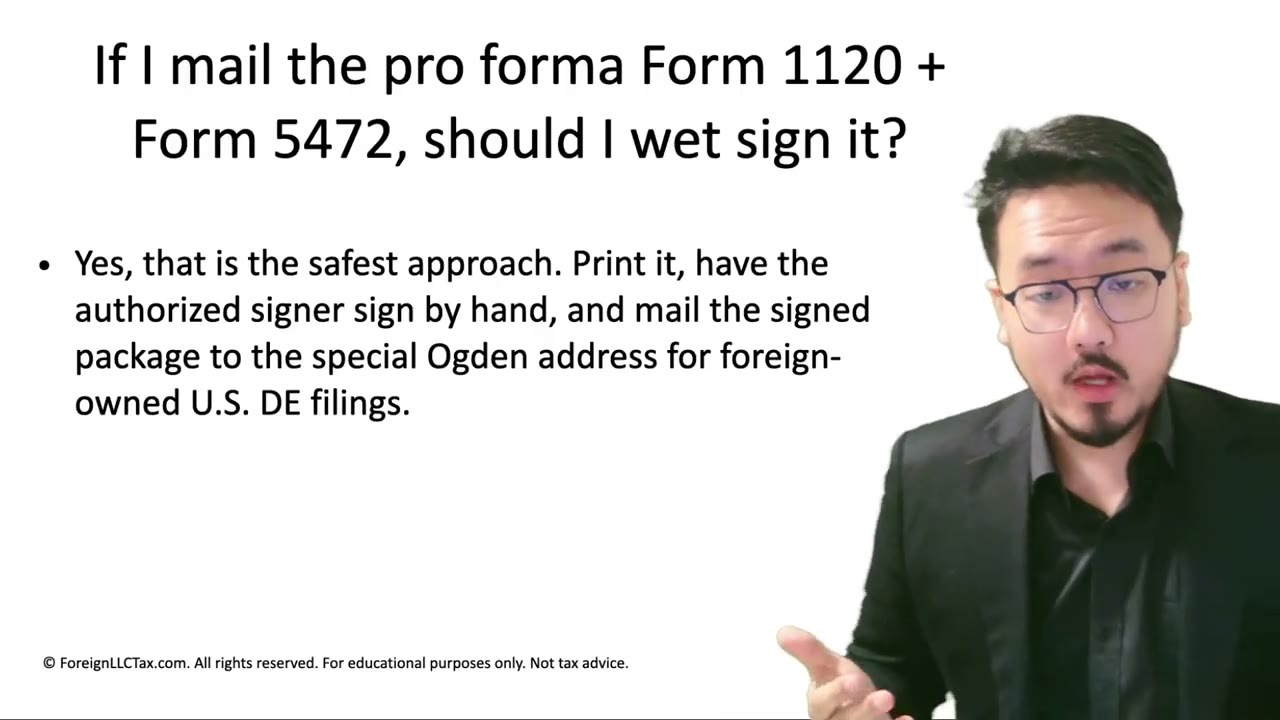
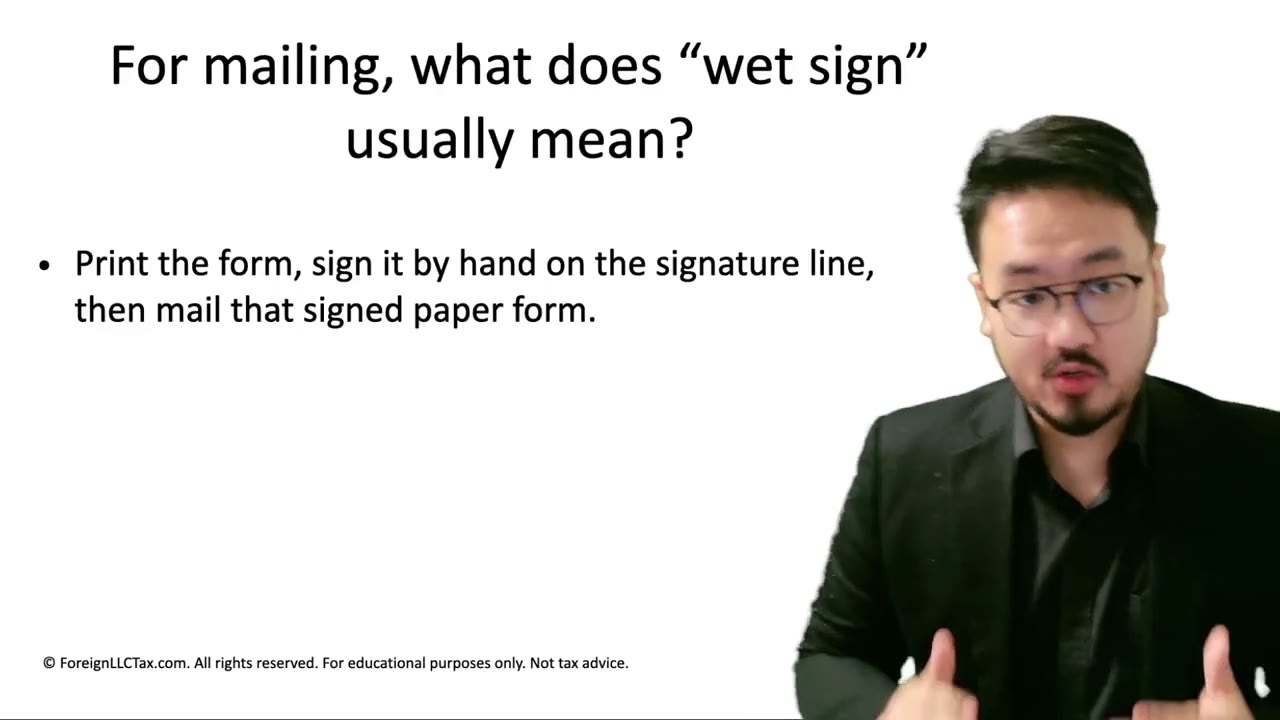
- Form 1120 requires a wet (pen-and-ink) signature for pro forma DE filings — typed names trigger review
- Standard workflow: print → sign in ink → scan at 300+ DPI → reassemble into the fax/mail package
- Two signature sections: Sign Here (taxpayer/owner) and Paid Preparer Use Only — don't confuse them
- Title field: "Owner" is simplest and most accurate for single-member LLCs
- Wet signature is more defensible than digital — much harder to challenge in a dispute
The Signature Section: Where and How
On Form 1120, the Sign Here section is on page 1 below the basic financial fields. For a pro forma 1120, you can ignore most of the financial fields (they're zeros), but the signature section is critical.
The signature is required, must be a wet (pen-and-ink) signature, and must include the date, the signer's title, and the typed signature line. Form 1120 does NOT support a typed-only signature for foreign-owned DE filings — the IRS expects an actual handwritten signature.
Why Wet Signature Specifically
The IRS doesn't allow e-filing for the pro forma 1120 + Form 5472 combination. Since the filing arrives by mail or fax (i.e., as a paper-equivalent document), the IRS expects a paper-equivalent signature: ink on paper.
A typed name in the signature field looks like an unsigned form. The IRS processing system flags it for manual review ("why is this signed digitally on a non-e-fileable filing?"), which delays processing. Use real ink, scan or photograph the signed form, then fax/mail.
The Print → Sign → Scan Workflow
The standard workflow:
1. Fill all the form fields in your PDF editor 2. Save the filled PDF 3. Print the PDF on a regular printer 4. Sign the signature line in pen (black or dark blue ink) 5. Date the signature in the date field 6. Scan the signed page back to PDF at 300+ DPI 7. Re-assemble into the final fax/mail package
If you don't have a scanner, modern smartphone apps (Apple Notes, Adobe Scan, Microsoft Lens, Notebloc) can capture documents at sufficient DPI for IRS purposes. Use them in document mode (not photo mode) for the right DPI and rectification.
The Prepare Section vs. the Sign Section
Form 1120 has TWO signature sections on page 1: the taxpayer signature (the LLC owner) and the paid preparer signature. Don't confuse them.
**Sign Here (Taxpayer)**: this is where YOU sign as the owner. Use your real name and "Owner" (or your chosen title) for the title field.
**Paid Preparer Use Only**: this is for a tax professional who prepared the return for compensation. If a CPA helped you, they sign here with their PTIN. If you prepared it yourself, leave this section blank — do NOT sign here as the taxpayer.
What Title to Use
For a single-member LLC, the simplest title is "Owner." Other acceptable options listed in Form 1120 instructions: President, Vice President, Treasurer, Assistant Treasurer, Chief Accounting Officer, Tax Officer (any corporate officer with signing authority).
For a one-person foreign-owned LLC, "Owner" is the cleanest and most truthful. It accurately describes your relationship without inflating titles. "President" or "CEO" works too if you formally adopted those titles in operating documents.
Don't Sign in the Preparer-Only Section by Mistake
The preparer-only signature line has a PTIN (Preparer Tax Identification Number) field. If you sign there and don't have a PTIN, you're misrepresenting yourself as a paid tax preparer.
Always sign in the taxpayer Sign Here section. The taxpayer signature doesn't require a PTIN — that's only for professional preparers.
Defensibility: Wet Sign Is Stronger Than Digital
If a filing is ever questioned (audit, signature challenge, dispute), a wet signature is significantly more defensible than a digital one. A digital signature can be challenged as "not actually from you" — someone could theoretically copy a digital signature image. A wet signature, captured at the moment of signing on paper, is harder to fake.
The video author emphasizes: even though it's more work, the wet-sign-print-scan workflow is much more defensible. If you ever face a dispute about whether you actually signed the filing, the wet signature is your best evidence.
If You Must Use Digital Signature (Last Resort)
If you genuinely can't print and sign (no printer, no scanner, no smartphone scanner), you can use Acrobat's Fill & Sign signature feature or upload a signature image. This works but is less defensible. The video author doesn't recommend this for IRS filings, but acknowledges it's sometimes the only option.
If you must use digital, capture the signature once (high-quality scan), use it consistently, and store the original signature image securely. Don't reuse the same digital signature across multiple unrelated documents — that compromises your ability to claim each was uniquely signed.
Frequently Asked Questions
Can I sign with a stylus on an iPad screen?
Technically possible, but the IRS treats this as a digital signature, not wet ink. For a pro forma 1120 filing, the safer choice is print → ink → scan. Save stylus signatures for documents where digital is explicitly allowed.
What if my hand-signed signature comes out messy when scanned?
As long as the signature is clearly a signature (not a typed name), the IRS accepts it. A scribbled signature is fine — it's a personal mark, not an artwork. Just don't leave the field blank or type a name.
Do I need to print Form 1120's signature page on the same paper as the rest of the form?
Ideally yes — print all pages on the same paper stock, sign page 1, scan all pages together. If you must scan only the signed page separately, combine it with the other pages in your PDF editor to make the final package.
IRS Form 1120 Instructions
Official IRS source on irs.gov
Listen on Spotify
Money & Tax Talk with Rippa — 5/5 rating
Never miss an IRS deadline
Get free email reminders for Form 5472, state annual reports, quarterly estimated tax, and OBBBA rule changes — built for foreign-owned LLC owners. No spam. Unsubscribe anytime.
We respect your privacy. No spam, ever.
Need to file Form 5472 + pro forma 1120?
Skip the CPA bill. Our guided wizard builds your IRS-ready filing package, step by step.
Includes its walkthrough video pack
Start filing →
Ask the AI tools, free
Tax Return Drafter, Catch-Up Planner, Form Reviewer, IRS Notice Decoder — purpose-built AI tools, no signup needed.
Free tier · BYOK Anthropic/OpenAI for power use
Browse tools →
Starting your foreign-owned LLC?
Vetted partners we use ourselves: doola & Firstbase for formation, Mercury for banking, Alohi for IRS faxing.
No-fluff recommendations, no Northwest
See partners →
More on Form 1120 Corporate Tax Return
 3:05
3:05Mailing Form 1120 + Form 5472: Why Wet Signature Is Mandatory (Not Just Recommended)
 2:55
2:55What Is a Wet Signature? Pen + Ink + Paper Defined for IRS Filing Purposes
 2:30
2:30Pro Forma Form 1120: Do You Fill Every Section? (Foreign-Owned DE)
 2:00
2:00Can You Use Your Registered Agent's Address on Form 1120? IRS Rules
 2:30
2:30Form 1120 Tax Year Demo: Beginning, Ending & Short-Year Filings
Form 1120 Schedule C DRD and Section 250 Guide