Mailing Form 5472: Why Pre-Wrapping Slows Pickup (and Print Labels on A4)

Key Takeaways
- Don't pre-wrap the documents — the courier provides standard packaging and may need to inspect first
- Print the shipping label on A4 paper before the courier arrives; check the preview for tiny text
- Hand over the documents as a simple stack — over-wrapping triggers extra handling and re-inspection
- Have photo ID ready (passport or national ID); the courier may need to verify the sender
- Pickup takes 5–10 minutes; the tracking number receipt is your reference for the next phase (proof of delivery)
Wait for the Courier — Don't Pre-Wrap
After scheduling pickup, the temptation is to wrap the documents in your own packaging (a manila envelope, a padded mailer) because the filing feels too important to hand over loose. Don't. The courier provides standard, regulation-compliant packaging on arrival — it's free, it's faster to process, and it's what their tracking system expects.
More importantly: most countries' customs regulations and courier policies require an inspection of contents before sealing. If you pre-wrap, the courier opens it, inspects, then reseals — wasting time and creating one more handling opportunity for documents to get shuffled.
Print the Shipping Label They Require
Before the courier arrives, the website will require you to print the shipping label and any customs declarations. Print these on standard A4 paper — that's the size couriers expect worldwide. Letter-size (8.5×11) usually works too, but A4 is the universal default.
The label may print sideways or with text that's smaller than expected. That's normal — couriers compress the label to fit barcode scanners' size requirements. As long as the barcode is crisp and the address text is legible, the label is fine.
Flip and Adjust Before Printing if Text Looks Tiny
If your address line is very long, the printed label can shrink the text until it's hard to read. Before clicking Print, look at the print preview. If text is shrunk too small to read clearly, adjust orientation (portrait vs. landscape), or use the courier's option to break long addresses across two lines. The barcode is what the courier's scanner cares about, but the human-readable address matters when the package routes through unattended sort facilities.
Approximate Label Size (DHL Example)
DHL's printed waybill is approximately 8×6 inches when output to A4 (about half the page). FedEx and UPS labels are similar. Once printed, hand the label and the unwrapped documents to the courier when they arrive. They'll attach the label, package the documents, and provide your tracking number receipt.
Don't Over-Wrap — Customs and Inspection Reasons
First-time filers often layer the documents in multiple protective wrappings: a folder inside an envelope inside a padded mailer. This creates the opposite of the intended effect — the courier has to unwrap everything to inspect, then re-wrap, then seal. Extra handling, extra delay, more chances for the documents to be reorganized.
Hand over the documents as a simple stack. The courier inspects briefly ("this is tax documents, a few sheets"), confirms it's ordinary documents and not anything restricted, and seals it in their own packaging. Done.
Have ID Ready
Most countries require photo ID for international shipping. Have your passport or national ID card ready when the courier arrives. Some couriers also ask you to note the contents ("tax documents — no commercial value") on the customs declaration — say tax form documents if asked.
The courier rep usually knows what tax filings look like and handles them quickly. If they seem hesitant, briefly explain: "This is a U.S. tax form being mailed to the Internal Revenue Service." That's enough context for them to process it without further questions.
Wait, Hand Over, Get Tracking Number
When the courier arrives, hand them the printed label and the loose document stack. They package, label, hand you a tracking number receipt, and leave. The whole pickup typically takes 5–10 minutes. The tracking number is your reference for the next phase — proof of successful delivery — which the next video covers.
Frequently Asked Questions
What if the courier wants me to use my own envelope?
Very unusual for international tax documents — couriers prefer their own packaging because it's tracking-system-compatible. If asked, use a plain manila envelope and let the courier still inspect before sealing.
Does it matter if I print on A4 or Letter size?
A4 is the courier default worldwide and is preferred. Letter size works on most couriers' label printers but may shift the barcode slightly. If you only have Letter, it's fine — just verify the barcode prints crisply.
Can I drop off at a courier office instead of waiting for pickup?
Yes — drop-off is often faster than pickup, especially for international shipments. The courier office processes the package on-site, gives you a tracking number, and you skip the pickup window entirely. Same tracking, same proof-of-delivery flow.
IRS Form 5472 Instructions
Official IRS source on irs.gov
Listen on Spotify
Money & Tax Talk with Rippa — 5/5 rating
Never miss an IRS deadline
Get free email reminders for Form 5472, state annual reports, quarterly estimated tax, and OBBBA rule changes — built for foreign-owned LLC owners. No spam. Unsubscribe anytime.
We respect your privacy. No spam, ever.
Need to file your foreign-owned LLC return?
Skip the CPA bill. Our guided wizard builds your IRS-ready filing package, step by step.
Includes its walkthrough video pack
Start filing →
Ask the AI tools, free
Tax Return Drafter, Catch-Up Planner, Form Reviewer, IRS Notice Decoder — purpose-built AI tools, no signup needed.
Free tier · BYOK Anthropic/OpenAI for power use
Browse tools →
Starting your foreign-owned LLC?
Vetted partners we use ourselves: doola & Firstbase for formation, Mercury for banking, Alohi for IRS faxing.
No-fluff recommendations, no Northwest
See partners →
More on Form 5472 & Foreign-Owned LLCs
Foreign-Owned LLC IRS Mail Submission — 5-Point Pre-Mail Checklist
Foreign-Owned LLC IRS Mail Checklist: 5 Steps Before You Send Form 5472
 1:30
1:30Print, Sign & Mail Form 1120 + 5472 to the IRS — Default Submission
 5:45
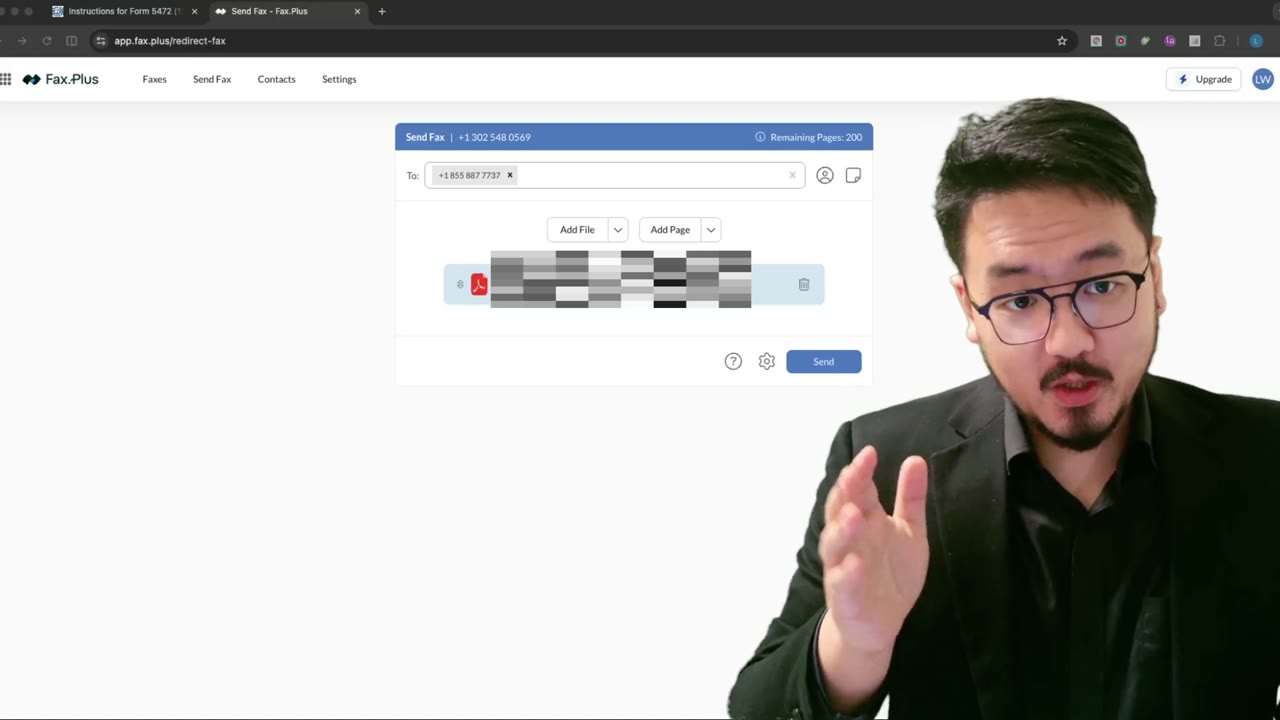
5:45Faxing Form 5472: Which Send-Dialog Settings to Enable (and Why HD Is a Trap)
 4:20
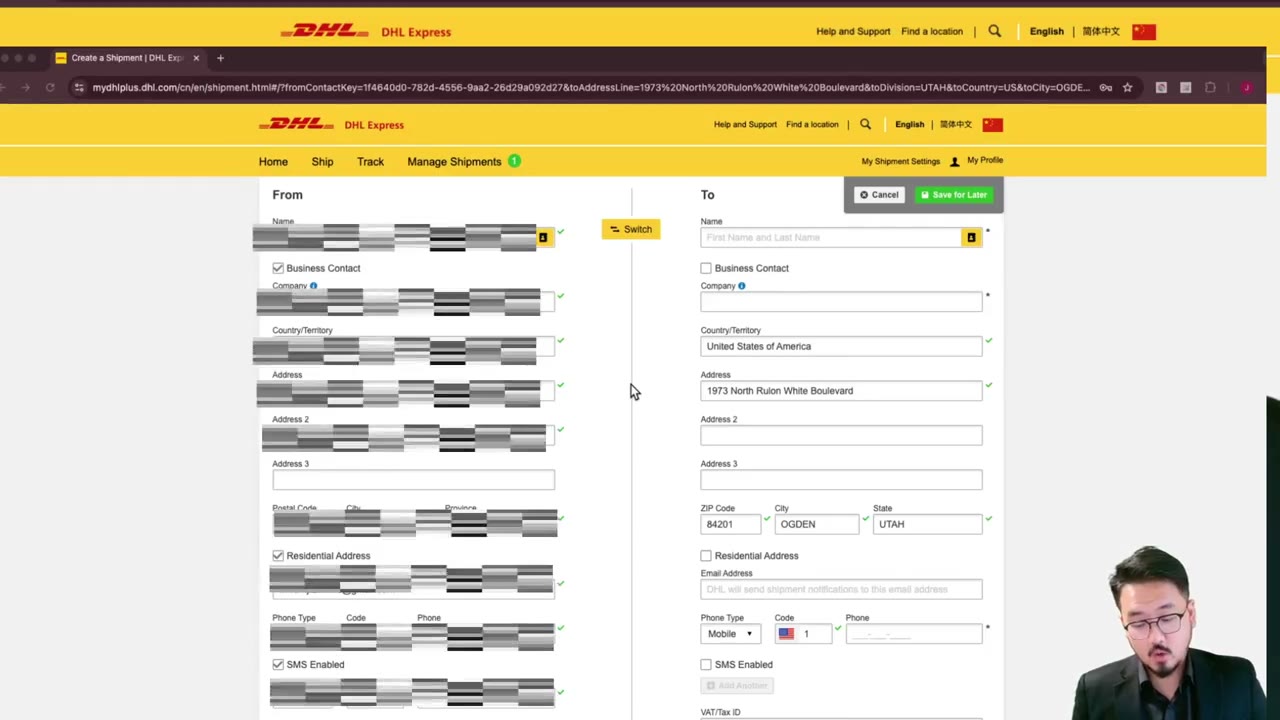
4:20Mailing Form 5472 to the IRS: How to Fill the Courier Sender Info Correctly
 2:15
2:15Mailing Form 5472: Why a Tracking Number Isn't Proof (and What to Download Instead)
Form 5472 Explained — What It Is, Who Must File, and How It Works