Pro Forma 1120: Adding the Foreign-owned U.S. DE Header Despite XFA Restrictions

Key Takeaways
- Form 5472 instructions require "Foreign-owned U.S. DE" written across the top of Form 1120
- XFA-based IRS PDFs block typing free text — Acrobat Edit mode won't work directly
- Workarounds: macOS Preview markup, Adobe Acrobat Pro's Fill & Sign, or online PDF editors
- Make the heading large and obvious (18–24pt) — it's a routing label, not a footnote
- Many tax software vendors don't add this automatically; verify the output before filing
The Required Heading: "Foreign-owned U.S. DE" at the Top of Form 1120
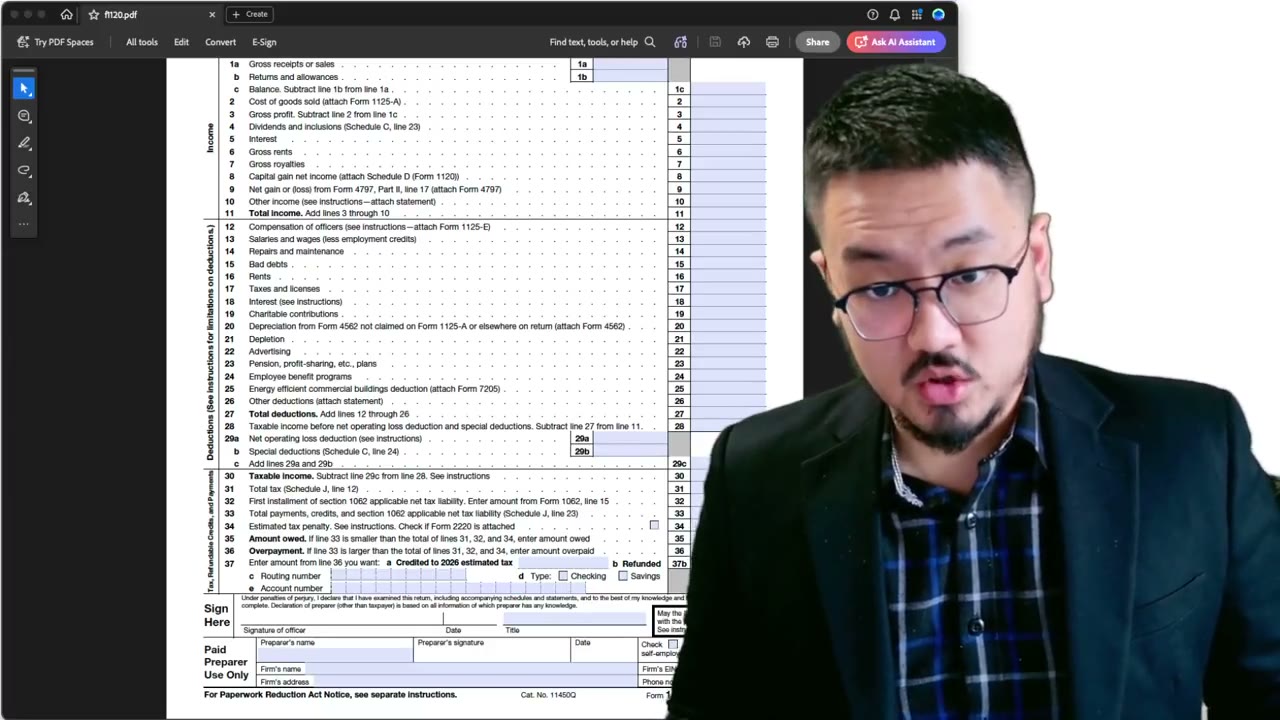
Before filling Form 1120, you have to add a special header that's required by the Form 5472 instructions (oddly, not by the Form 1120 instructions). The exact text: "Foreign-owned U.S. DE" — written across the top of Form 1120.
"DE" stands for disregarded entity. The heading signals to the IRS processing unit that this is a pro forma 1120 attached to a Form 5472, not a real corporate tax return. Without the heading, the package may be misrouted to the standard 1120 processing queue and treated as an incomplete corporate return.
The XFA Problem: You Can't Just Type at the Top
IRS PDFs use XFA (XML Forms Architecture) — interactive forms with predefined input fields. The fields accept input, but the rest of the page is locked. You can't open Acrobat's Edit mode and type free text outside the fields. Even Acrobat Pro will refuse, because XFA forms don't support arbitrary editing.
This is actually a feature for routine corporate filings — it prevents users from accidentally adding rogue content. But for the foreign-owned DE case, where the IRS specifically asks you to add a custom heading, the lockdown becomes a hurdle.
Workaround 1: Open in Apple Preview (macOS)
On macOS, the Preview app has a markup mode that adds text annotations on top of any PDF, including XFA forms. Open the form in Preview, go to View → Show Markup Toolbar (or click the toolbox icon), then click the "T" (Text) tool. Click on the page where you want the heading, type "Foreign-owned U.S. DE," and choose a font size that's clearly visible.
Make the text black, and large enough to be obvious (16–20pt). Drag the text box to the very top of the form, above all the printed fields. Save the file — the annotation persists as part of the PDF.
Workaround 2: Adobe Acrobat Pro's Fill & Sign or Edit Tags
If you have Acrobat Pro (not just Reader), you can add text via the Fill & Sign tool or by adding a comment/text annotation. Both avoid the XFA edit restriction by treating the new text as an overlay rather than a form field change.
Fill & Sign is the simplest: open the form, click Fill & Sign in the right panel, click Add Text, click at the top of the form, type "Foreign-owned U.S. DE," adjust the font size, and you're done. The text becomes a permanent overlay when saved.
Workaround 3: Online PDF Editor
If you don't have macOS Preview or Acrobat Pro, online PDF editors (PDFescape, Smallpdf, etc.) work the same way: upload the form, use the text tool to add the heading at the top, download the modified PDF. Be cautious about uploading filed tax forms to public services — prefer offline tools when you can.
Make It Big and Obvious — The IRS Processor Needs to See It Immediately
The heading should be large and unmistakable, not subtle. The IRS processor opens the package and needs to see "Foreign-owned U.S. DE" instantly so they route to the right unit. A tiny annotation in 10pt font defeats the purpose.
Think of it as a routing label, not a footnote. Bold-equivalent size (18–24pt), positioned in the top blank area of the form before any field starts. Match this on Form 1120's first page; you don't need it on every page.
If You're Using Tax Software That Doesn't Add It Automatically
Some tax software vendors handle this heading automatically when they detect a foreign-owned DE scenario. Many don't — especially software designed for U.S. domestic corporate returns where this scenario doesn't apply. If your software prints Form 1120 without the heading, you're responsible for adding it yourself before mailing/faxing.
Review the printed Form 1120 carefully. If the heading is missing, add it manually via one of the workarounds above before generating the final PDF for transmission. The filing is your responsibility regardless of which tool generated the form.
Frequently Asked Questions
Can I handwrite the heading after printing?
Yes — neatly printed handwriting in block letters works fine. The IRS processor just needs to read "Foreign-owned U.S. DE." Handwritten is acceptable but less universally legible than typed; if your handwriting is tidy, it's a valid path.
Does the heading need to be on every page of Form 1120?
No — just the first page. The first page is what the routing clerk looks at to decide which processing unit handles the filing.
What if I forgot the heading and already mailed the filing?
The filing will likely still be processed (eventually) but may be delayed by misrouting. If you realize quickly, you can send a corrected version with a brief cover letter explaining the heading addition. If much time has passed, monitor IRS correspondence and respond to any notices about miscategorization.
IRS Form 5472 Instructions
Official IRS source on irs.gov
Listen on Spotify
Money & Tax Talk with Rippa — 5/5 rating
Never miss an IRS deadline
Get free email reminders for Form 5472, state annual reports, quarterly estimated tax, and OBBBA rule changes — built for foreign-owned LLC owners. No spam. Unsubscribe anytime.
We respect your privacy. No spam, ever.
Need to file your foreign-owned LLC return?
Skip the CPA bill. Our guided wizard builds your IRS-ready filing package, step by step.
Includes its walkthrough video pack
Start filing →
Ask the AI tools, free
Tax Return Drafter, Catch-Up Planner, Form Reviewer, IRS Notice Decoder — purpose-built AI tools, no signup needed.
Free tier · BYOK Anthropic/OpenAI for power use
Browse tools →
Starting your foreign-owned LLC?
Vetted partners we use ourselves: doola & Firstbase for formation, Mercury for banking, Alohi for IRS faxing.
No-fluff recommendations, no Northwest
See partners →
More on Form 5472 & Foreign-Owned LLCs
 2:05
2:05Pro Forma 1120 + Form 5472: Where to Download the Latest IRS Forms (Don't Trust AI)
 2:24
2:24Faxing Form 5472: Sending the Combined PDF via a Web Fax Service (fax.plus)
 3:25
3:25Pro Forma 1120: Wet Signature, Owner Title, and Why Schedules C/J/K/L Stay Blank
Form 5472 Explained — What It Is, Who Must File, and How It Works
Form 5472 Explained: Who Must File and What Is Reportable (2026-2027)
Foreign-Owned LLC IRS Mail Submission — 5-Point Pre-Mail Checklist
Foreign-Owned LLC IRS Mail Checklist: 5 Steps Before You Send Form 5472
 1:04
1:04